Article
Aluminum Extrusion Optimization: Cut Lists, Drops, and T-Slot Frame Planning
Cutlistor Team4 min read
Introduction
Aluminium extrusion arrives at your shop as long sticks with a fixed cross-section: T-slot rails, angles, channels, and custom profiles. Profit is decided on the cutoff saw where sticks become frame lengths, mullions, and guard rails.
This article focuses on cut list optimization, linear nesting, and waste reduction for extrusions. For alloy choice, die types, and the extrusion manufacturing process, read our separate aluminium extrusion guide (British spelling in that URL). Here we plan cuts, drops, and miters with Cutlistor.
Cut list optimization vs the process guide
The process guide explains billet, dies, temper, and finishing. This optimization guide assumes you already picked a profile SKU and buy bar from a catalog or mill. The job now is: given a BOM of finished lengths, how many bars do you buy and in what cut order?
That is a 1D cutting stock problem. Cutlistor's linear optimizer handles extrusion the same way as tube or angle: multiple stock lengths, kerf between cuts, PDF stick diagrams, optional miter angles on paid plans.
Standard bar lengths and supplier SKUs
| Profile type | Typical catalog lengths | Planning note |
|---|---|---|
| T-slot 20 / 30 / 40 series | 6 m | Frame jobs mix long rails and short struts |
| Window / door mullions | 6 m, 6.5 m | Mitered corners need paid miter inputs |
| Custom section | 3-7 m MOQ dependent | Verify before quote |
| Heavy structural extrusion | 6 m, 12 m | Offer both in optimizer |
Drop management on the shop floor
Extrusion drops accumulate fast on frame jobs: short lengths after cutting rails, then struts, then brackets. Label drops with profile code and length. Enter usable drops as stock on paid Cutlistor inventory plans before buying new 6 m bars.
- Minimum reuse length: set a shop rule (many frame shops use 200-300 mm on T-slot)
- Profile match: never mix 4040 drops with 2020 BOM without engineering approval
- Finish match: mill finish vs anodized drops may not combine on visible work
- Optimizer first: short struts should consume long drops before opening new bar
T-slot frame optimization
Machine guards, workstations, and automation frames repeat a pattern: four long verticals, horizontal rails, short braces, and feet. List each unique length once with quantity, not repeated manual rows.
Suggested workflow
- Export BOM from CAD or spreadsheet with one row per unique length
- Import CSV into Cutlistor linear tool (row limits apply on free tier)
- Enter 6 m stock plus any labeled drops in inventory
- Set kerf for your aluminium cold saw or chop saw
- Export PDF per bar for assembly sequence
Kerf on extrusion saws
Aluminium cuts easily but kerf is not zero. Fine-tooth mitre saws often run 2-3 mm. Double-check on a scrap length before nesting a full frame PO.
Kerf matters most when many short pieces pack near the end of a 6 m bar. Frame kits with dozens of struts can lose hundreds of millimetres to kerf if ignored.
Mitered extrusion frames
| Feature | Free linear tool | Paid Cutlistor plans |
|---|---|---|
| Square cuts with kerf | Yes | Yes |
| Multiple stock lengths | Yes | Yes |
| Miter start / end angles | No | Yes |
| Miter labels on PDF | No | Yes |
| DXF with miter geometry | No | Yes |
| Saved projects & inventory | No | Yes |
Worked example: 4040 guard frame
Without optimization, buying two bars by gut feel often leaves large unmatched drops. In the linear optimizer, horizontals pair on one bar with room for braces in the tail. Verticals may share a bar with feet. Typical result: two to three bars instead of four, depending on sequence and kerf. Export PDF so the assembler knows cut order and which drop becomes the next job's brace stock.
| Part | Length mm | Qty | Notes |
|---|---|---|---|
| Vertical post | 2100 | 4 | Longest length drives first bar opens |
| Horizontal rail | 1800 | 4 | Pair on one 6000 bar with kerf |
| Cross brace | 450 | 8 | Pack into tails before new bar |
| Foot pad | 120 | 4 | Often nests in final drop |
Cutlistor workflow for extrusion
The free tier's limits sit around the edges of the work rather than in the middle of it. Editing and re-optimizing are unlimited; PDF exports and new projects share a daily budget of 3. A single session carries up to 20 part rows, each CSV or XLSX import up to 5 rows, and nothing is stored after you close it.
- 3 PDF exports per day (editing and re-optimizing unlimited)
- 20 part rows per session
- CSV/XLSX import up to 5 rows
- 3 AI plan scans and 3 3D CAD imports per month on the free tier
- No saved projects until you sign up for a paid plan
- Paid: miter angles, DXF export, saved frame templates, stock inventory for drops
When the same job needs sheet nesting too
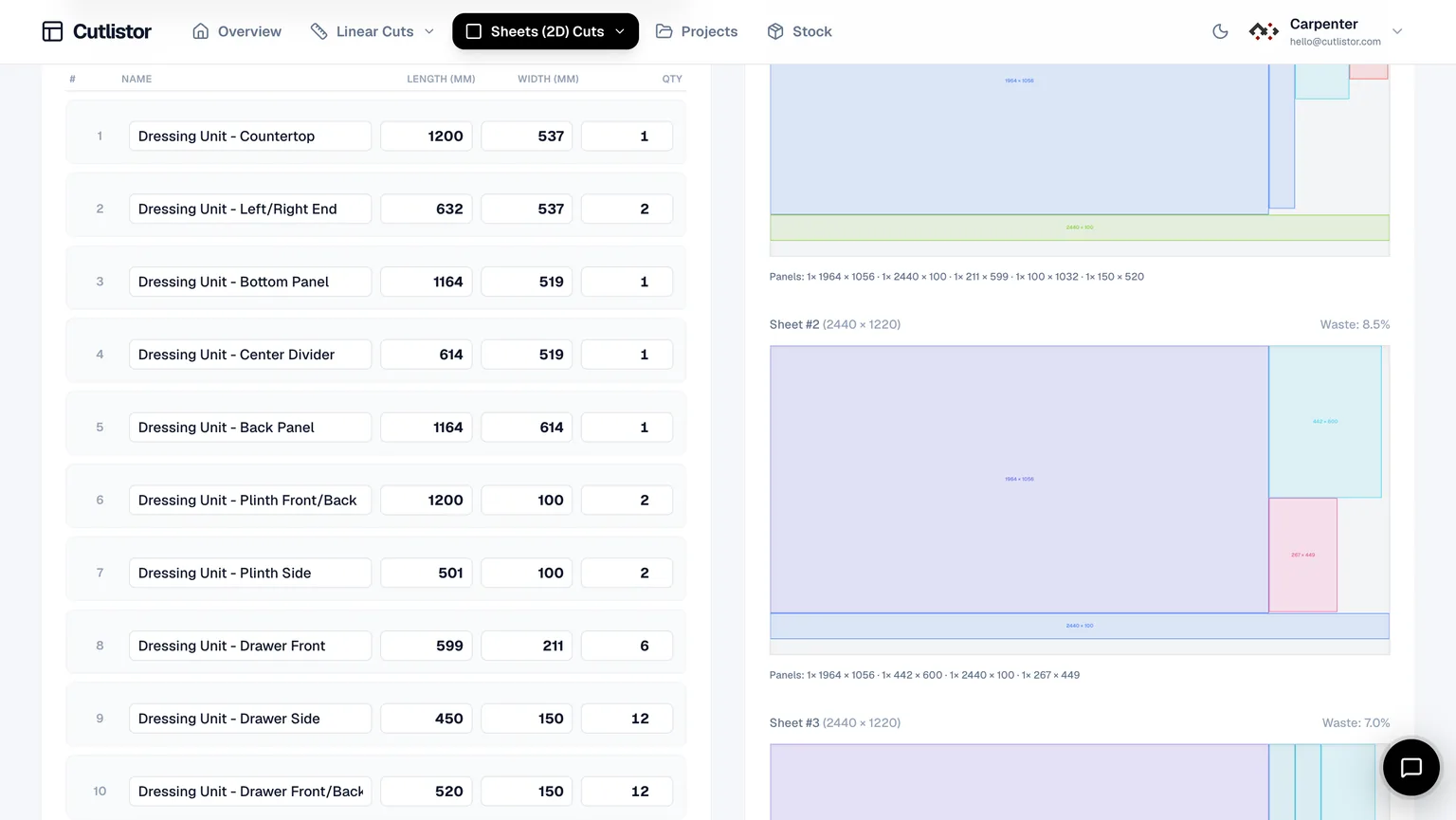
Extrusion frames often include aluminium plate guards, polycarbonate panels, or steel gussets. Nest those rectangles on the sheet optimizer. Keep extrusion on the linear optimizer. Two PDFs, one job folder.
Conclusion
Extrusion optimization is linear cut list planning: correct bar lengths, kerf-aware sequencing, labeled drops, and miter-aware inputs when frames need angles. The manufacturing process guide explains how profiles are made; this guide explains how to buy and cut them with minimal waste.
Run your next T-slot or mullion BOM through Cutlistor's free linear optimizer before you PO bar. Re-optimize unlimited times while editing parts, export PDF for the saw, and upgrade when saved projects, inventory, miters, and DXF export become part of daily production.