Comparison · 9 min read
Cutlistor vs Cutlist Evolution
Cutlist Evolution (cutlistevo.com) is a browser optimizer that handles sheet, linear and roll material, and prices its plans by how many parts you need to nest at once. Cutlistor prices by capability instead. That single difference in pricing model drives most of what follows, and it means the right answer genuinely depends on the shape of your jobs rather than on which tool is “better”.
The short verdict
If you occasionally run one very large job - a full kitchen in a single nest, several hundred parts at once - Cutlist Evolution's part-tiered pricing lets you buy exactly that capacity, including single-day access for a one-off project. That is a genuinely good fit for a specific and common situation.
If you run many normal-sized jobs continuously and need them saved, costed, exported to a CNC and pulled in from spreadsheets or CAD, Cutlistor's capability-based pricing works out simpler and you stop thinking about part counts entirely.
Two different pricing models
Cutlist Evolution runs six levels - Free, Starter, Pro, Expert, Enterprise and Custom - separated primarily by the number of parts a single optimization can contain: 40 parts free, then 150, 300, 1,000 and 2,000. Stock quantity is unlimited on every tier, and organisation subscriptions cover everyone in a team automatically.
Cutlistor does not meter parts on paid plans at all. Pro at $12 per month gives unlimited calculations and unlimited cut list rows; what it caps instead is storage and AI usage. Cutlistor's free tier meters something different: editing parts and re-optimizing the layout are unlimited, and only PDF export and starting a new project count against a daily allowance of 3. Cut lists are capped at 20 rows, CSV and XLSX import is limited to 5 rows per file, and nothing is saved between sessions.
Neither model is objectively better. Part-tiered pricing is cheaper if your constraint is one big annual job; capability pricing is cheaper if your constraint is doing many jobs well.
| Cutlistor | Cutlist Evolution | |
|---|---|---|
| Priced by | Capability and storage | Parts per optimization |
| Free tier limit | 3 PDF exports/day (optimizing unlimited), 20 rows, nothing saved | 40 parts, unlimited stock |
| Parts on paid plans | Unlimited | 150 / 300 / 1,000 / 2,000 by tier |
| Single-day access | No | Yes |
| Entry paid price | $12/mo | Published per tier - check vendor site |
Competitor pricing checked 23 July 2026. Prices change - verify on the vendor's own site before buying.
Material types each one covers
Both tools go beyond flat panels, which distinguishes them from most browser optimizers.
Cutlist Evolution handles sheet, linear and roll material - roll being the notable one, for fabric, vinyl, membrane and other continuous goods. Cutlistor covers sheet and linear, including cross-section aware linear cutting for pipe, tube, bar and angle stock, but does not do roll material.
If you cut from rolls, that is a clear reason to choose Cutlist Evolution and this comparison ends there.
Where the workflows diverge
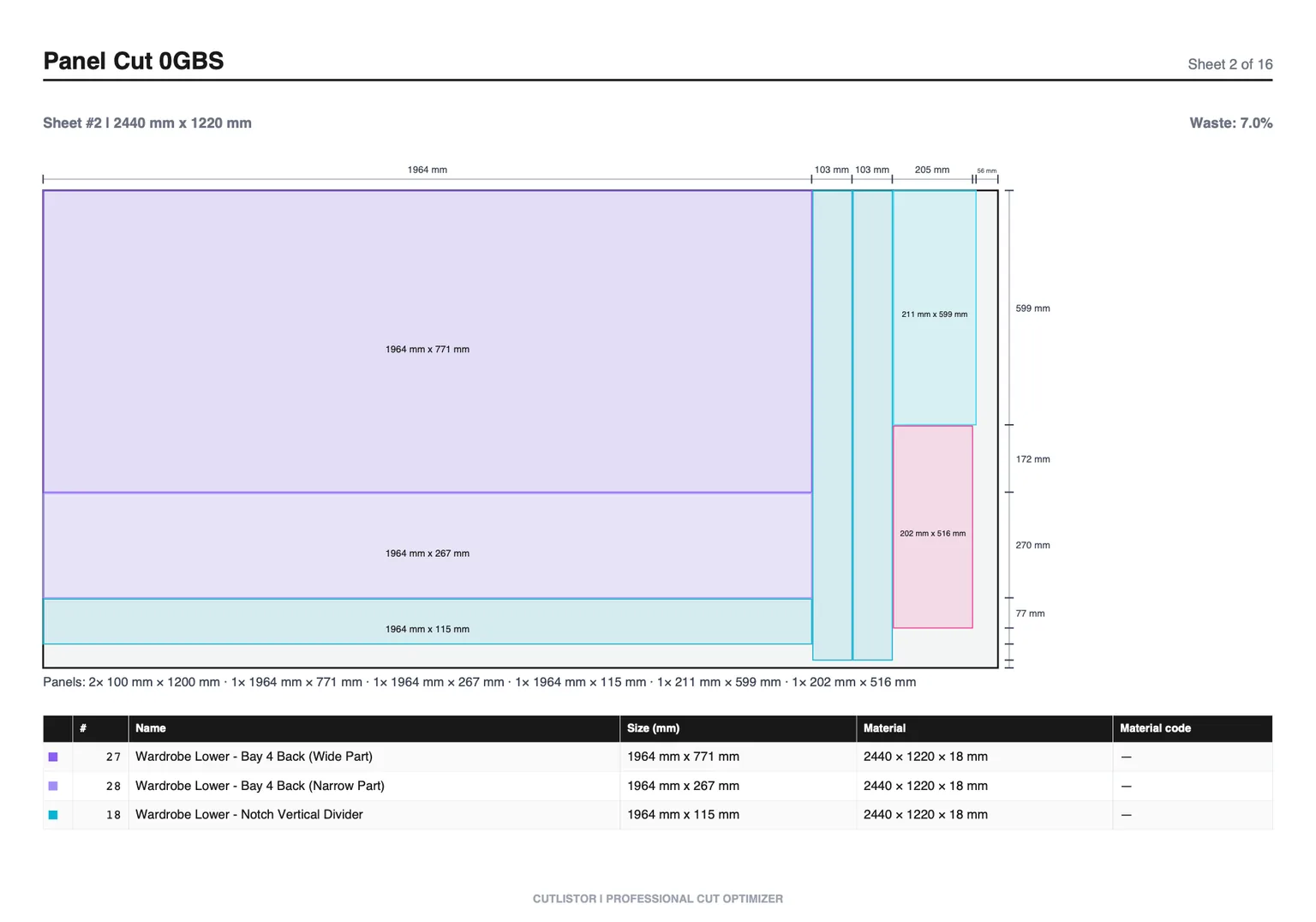
Cutlistor's design assumes parts arrive from somewhere else and results go somewhere else. Spreadsheets import as CSV or XLSX, PDF plans and hand sketches come in through AI scanning, and 3D models import as glTF, GLB or Collada meshes that become panels. Layouts leave as kerf-aware PDFs or as DXF for a CNC.
It also keeps a persistent stock inventory, so the offcuts and part-sheets from last week's job are still there as available stock this week - which for a working shop is often worth more than any solver difference.
| Capability | Cutlistor | Cutlist Evolution |
|---|---|---|
| Sheet (2D) nesting | Yes | Yes |
| Linear (1D) optimization | Yes | Yes |
| Roll material | No | Yes |
| Kerf handling | Yes | Yes |
| DXF export for CNC/CAM | Yes | Varies by tier |
| CSV / XLSX import | Yes | Yes |
| AI plan / sketch import | Yes (paid quotas) | No |
| 3D CAD mesh import | Yes | No |
| Persistent stock inventory | Yes (paid) | Materials database on higher tiers |
| Team / organisation billing | Yes - Team plan | Yes - organisation subscriptions |
No Calculate button, and no paying for speed
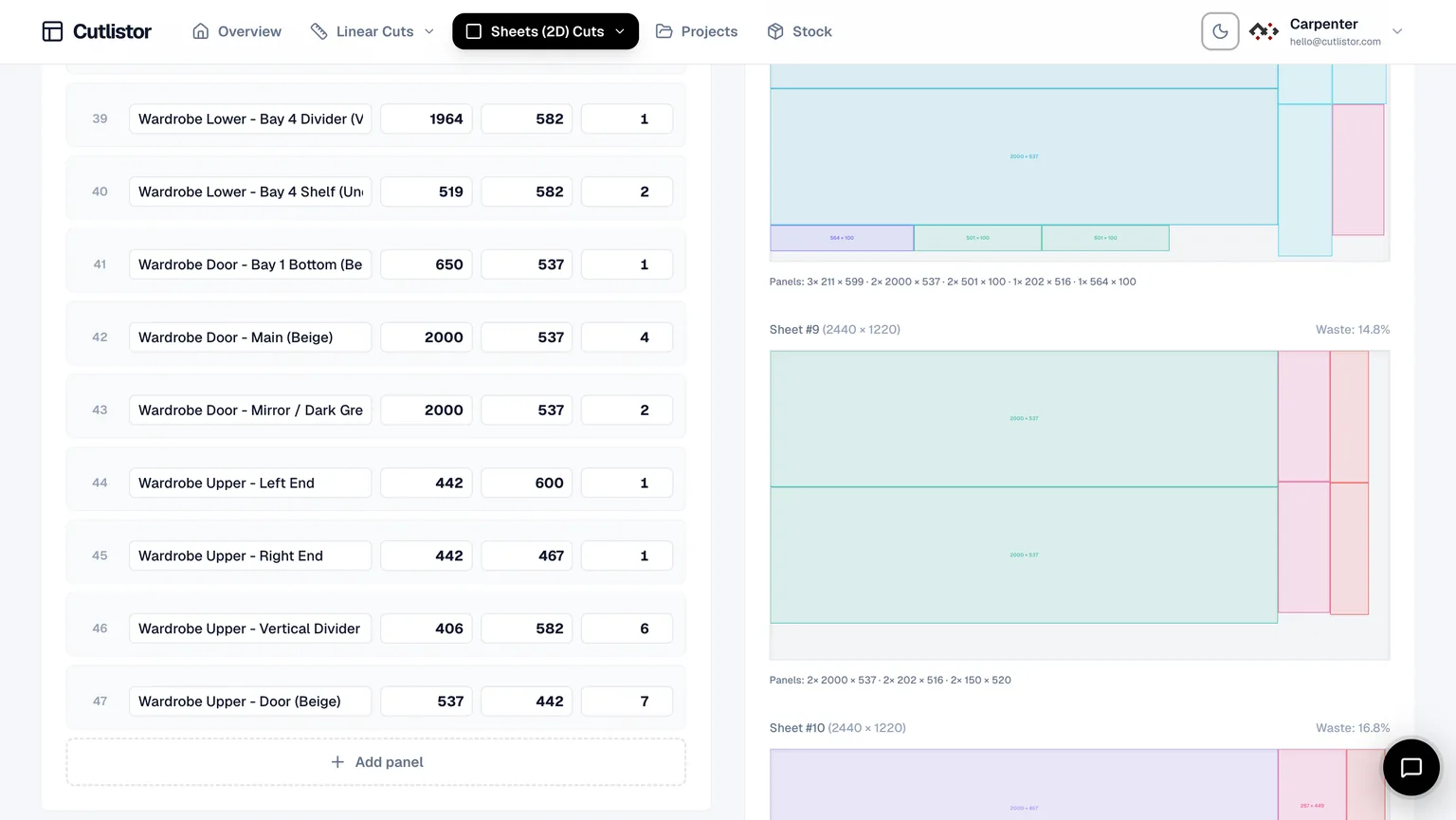
Cutlistor recalculates as you type. Change a part width, add a sheet, adjust the kerf - the layout redraws immediately. There is no Calculate button in the interface, because there is nothing to wait for.
That sounds cosmetic until you price a real job. Cut lists are not entered once; they are edited twenty times as a design settles. A tool that recalculates on demand charges you a click and a pause for every one of those edits, and the cost lands precisely when you are iterating hardest.
It is also worth noting what Cutlistor does not do: charge for calculation speed. Every plan, including the free tier, runs the same solver at the same speed. Some competitors reserve faster calculation for a higher tier - so the customer who edits most, and therefore waits most, is the one asked to pay extra to stop waiting.
Four ways to get parts in - most tools have one
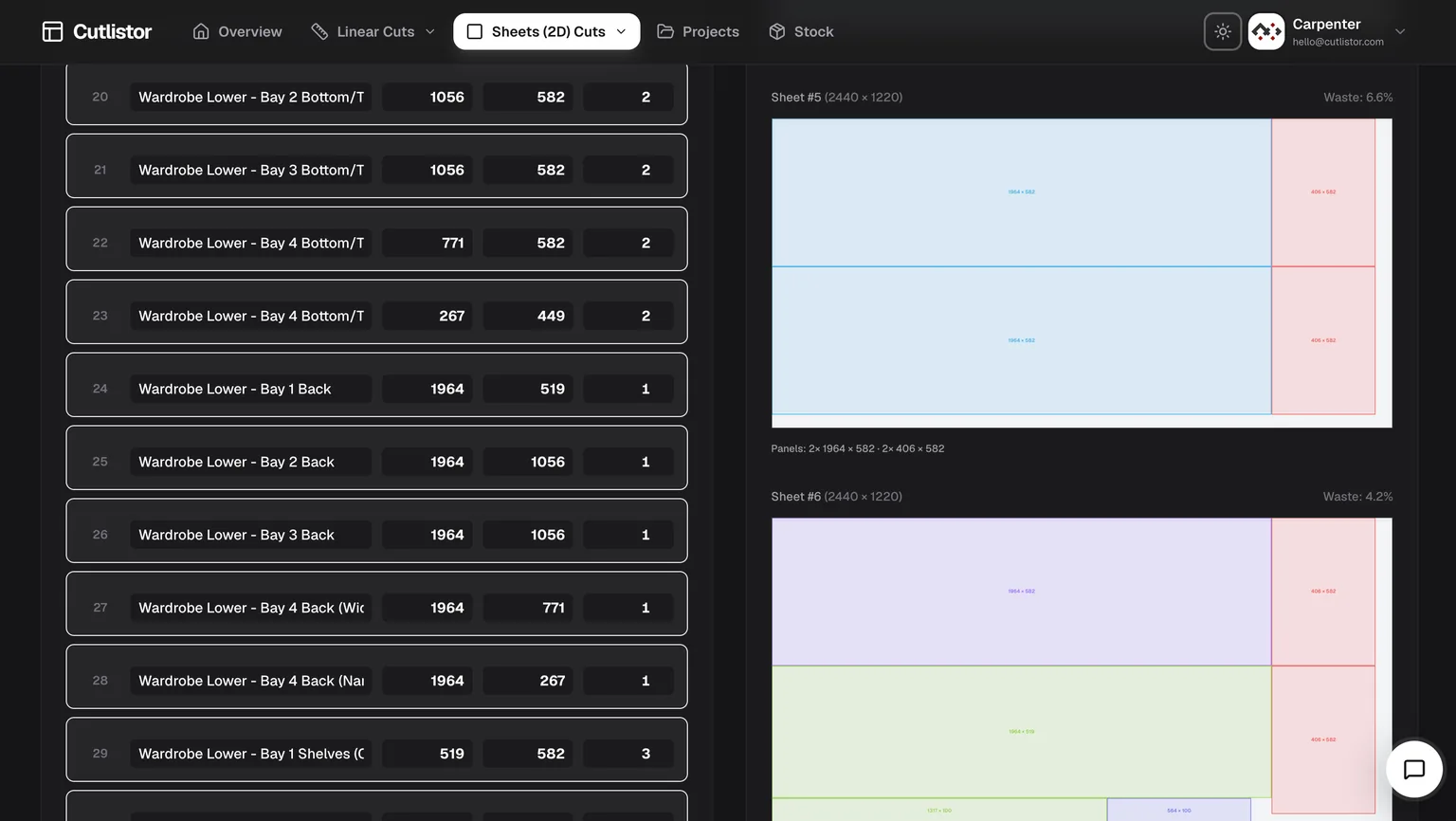
Typing a cut list by hand is where the time actually goes, and it is where almost every optimizer leaves you. Cutlistor accepts parts from four directions:
- CSV import, with automatic column matching so your existing headings work without renaming anything.
- Excel / XLSX import, reading the workbook directly rather than asking you to export to CSV first.
- AI scanning of PDF plans, drawings and photographed sketches - point it at an emailed elevation and get parts out.
- 3D CAD model import from glTF, GLB and Collada, so panels come straight out of a SketchUp or Fusion model.
You do not have to guess the format. Download a sample below, replace the rows with your own parts, and import it - sheet files take name, length, width, qty, grain direction, material code, material name and a free-text column; linear files take name, length, qty, material code, material name and a free-text column. Column matching handles the common variations, so headings like “Width (mm)” or “Quantity” are recognised without renaming.
| Import path | Cutlistor | Typical browser optimizer | Typical desktop optimizer |
|---|---|---|---|
| Manual entry | Yes | Yes | Yes |
| CSV | Yes, with column matching | Sometimes, fixed format | Usually |
| Excel / XLSX direct | Yes | Rarely | Sometimes |
| PDF plan or sketch (AI) | Yes | No | No |
| 3D CAD mesh | Yes (glTF, GLB, Collada) | No | Rarely |
Checked against each vendor's published feature list on the date shown at the foot of this page.
The detail features nobody else bothers with
Most optimizers stop at rectangles and lengths. Real work has awkward parts, and these are the ones that usually get handled by hand on a notepad:
- Laminate calculations - panels that gain thickness and cost on one or both faces, accounted for in the layout and carried into the exported documents rather than added afterwards.
- Edge banding, tracked per edge and shown on the diagram so whoever is banding knows which edges without asking.
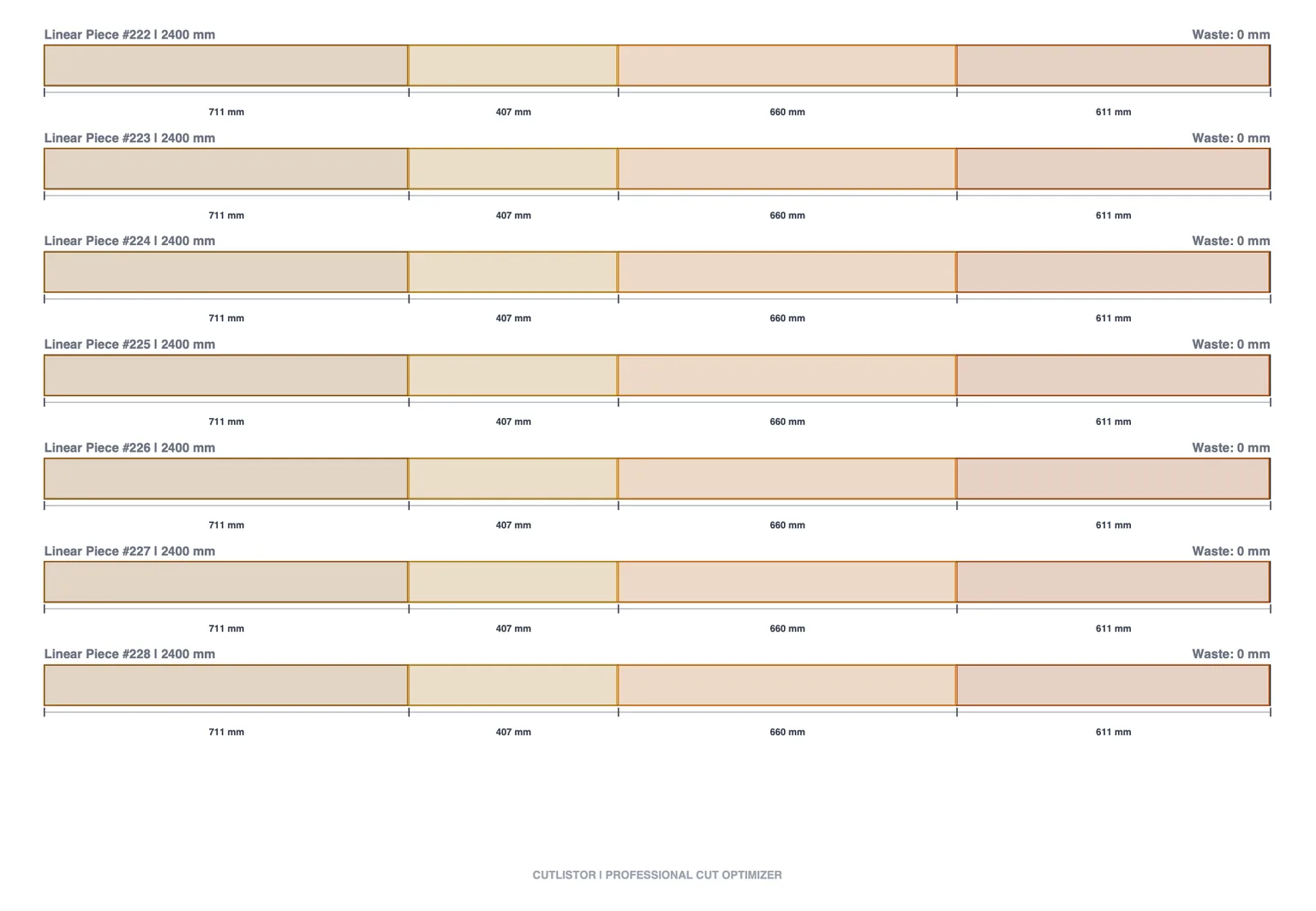
- Mitered ends on linear cuts, with the miter angle affecting the length consumed on the stock - a 45-degree return does not cost the same as a square cut, and pretending otherwise is how trim runs come up short.
- Cross-section aware linear stock for pipe, tube, bar and angle, so the material is not treated as an abstract line.
- Grain direction locking on visible faces, honoured through nesting rather than applied as an afterthought.
- DXF export from both sheet and linear layouts, with the miter geometry preserved for a CNC.
Where Cutlist Evolution wins
Three things, stated plainly.
Roll material support, which Cutlistor simply does not have. Single-day access, which is the honest right answer for someone with one project and no interest in a subscription. And a free tier that allows 40 parts in one nest against Cutlistor's 20 - if you are evaluating on the free tier with a medium-sized job, Cutlist Evolution will let you run it and Cutlistor will not.
Its organisation subscription model, where members inherit the organisation's plan automatically, is also cleaner than seat-counting for shops with fluctuating headcount.
Which should you choose
- One big job, once: Cutlist Evolution, on single-day access. Do not buy a subscription for a single kitchen.
- Cutting from rolls as well as sheets: Cutlist Evolution - Cutlistor cannot do roll material.
- Continuous shop work with saved projects and reused stock: Cutlistor.
- CNC in the loop needing reliable DXF: Cutlistor.
- Parts arriving as spreadsheets, PDFs or SketchUp models: Cutlistor, for the import paths.
- Evaluating free with a 40-part job: Cutlist Evolution's free tier will run it; Cutlistor's will not.
A fair way to compare them
Count the parts in a typical job first - not your largest job, your typical one. That number tells you immediately whether Cutlist Evolution's tiers cost you anything, because if you sit comfortably inside a tier the part limit is invisible.
Then ask where your parts come from and where the cut plan goes. If both ends are manual, the tools are close. If either end is a spreadsheet, a CAD model or a CNC, the import and export paths matter more than the nesting.
If it does not do what your shop needs, ask
Cutlistor is small enough that feature requests reach the person who writes the code. Several of the features above - laminate handling, miter-aware linear cuts, cross-section stock - exist because someone cutting material asked for them and explained why the workaround was costing them time.
If your workflow needs something that is not here, describe it and we will look at building it. That is a genuinely different proposition from filing a ticket against a twenty-year-old desktop product or a tool maintained as a side project, and it is worth weighing alongside a feature table.
FAQ
- Does Cutlistor have a part limit?
- Not on paid plans - cut list rows and calculations are unlimited. The free browser tier is limited to 20 rows, 3 PDF exports per day (optimizing is unlimited), and CSV/XLSX import up to 5 rows. Cutlist Evolution takes the opposite approach and prices its tiers by parts per optimization, from 40 free up to 2,000.
- Can Cutlistor optimize roll material?
- No. Cutlistor covers sheet (2D) and linear (1D) stock only. Cutlist Evolution handles roll material as well, so for fabric, vinyl or membrane work it is the correct choice.
- Is there a one-off option instead of a subscription?
- Cutlist Evolution offers single-day access for a one-time project, which Cutlistor does not. Cutlistor's equivalent is its free tier, which is permanent rather than time-limited but caps part rows, PDF exports, and CSV import size. 3 PDF exports (or new projects) per day; unlimited editing and re-optimizing.
- Which is better for a team?
- Both handle teams. Cutlist Evolution uses organisation subscriptions where members inherit the plan automatically. Cutlistor has a Team plan billed per organization with up to 5 seats and central billing. For fluctuating headcount the inherit-automatically model is simpler; for a stable small shop the flat workspace price is usually cheaper.
- Do both handle grain direction?
- Yes. Both let you lock grain direction so visible faces run the right way, which is essential for cabinetry and anything with veneer or a directional laminate.