Article · 3 min read
Cutlist Evolution style optimization in the browser
Some shops search for Cutlist Evolution or Cutlist Optimizer V2 when upgrading from spreadsheets or legacy desktop optimizers. Cutlistor gives you always-on browser optimizers for both sheet and bar stock, with real-time layouts, CSV/XLSX import, and optional AI-assisted plan import and 3D CAD import on paid plans.
Why teams move from desktop to browser
Desktop cut list tools often mean installation, version mismatches between office and bench PCs, and slower recalculation when dimensions change. Browser optimizers update server-side and work on any device with a modern browser.
- No Windows installer to maintain
- Same URL on shop PC, laptop, and tablet
- Real-time yield and layout refresh while editing
- Combined sheet and linear tools in one product
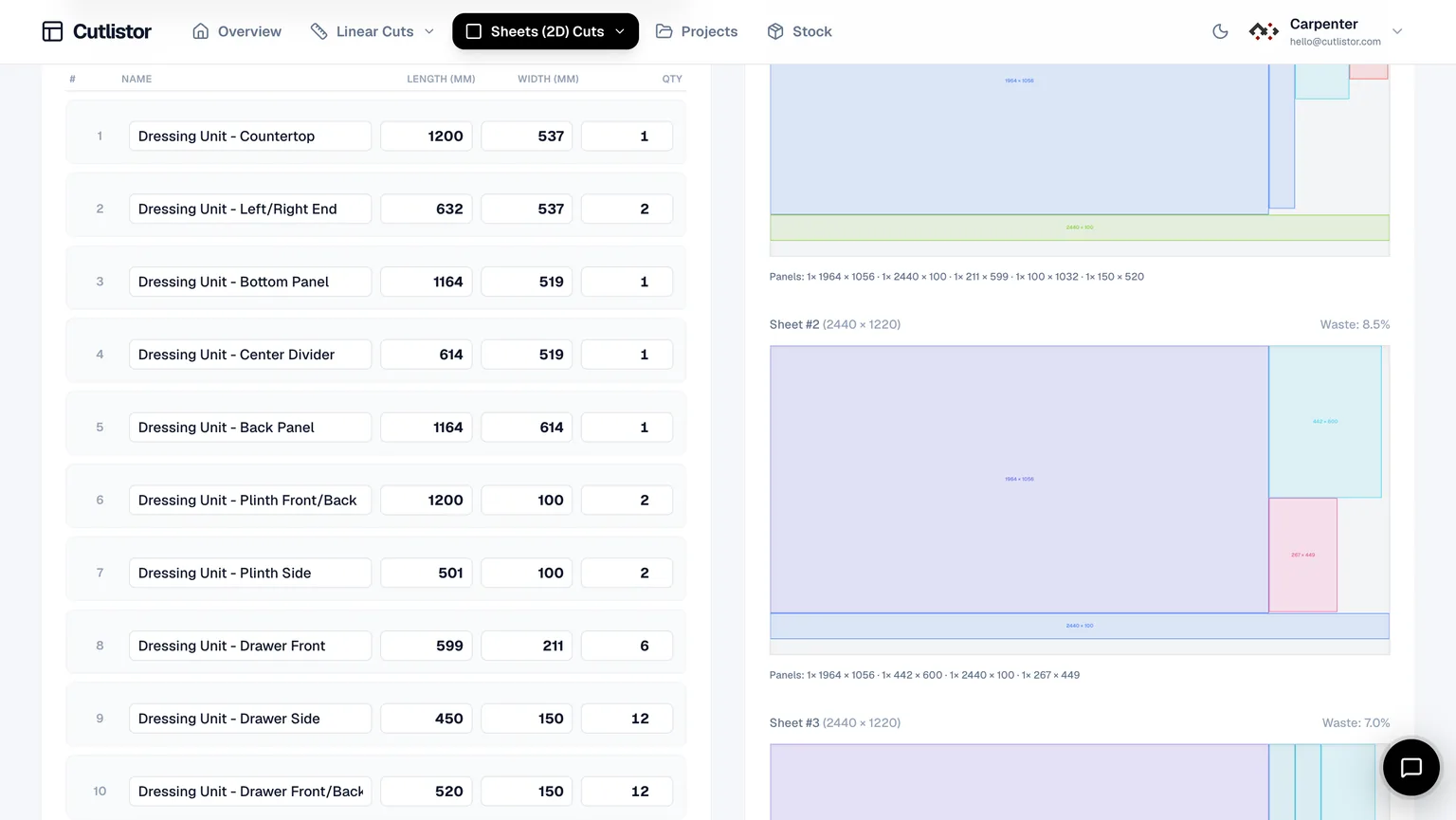
Cutlistor vs Cutlist Evolution style workflows
| Workflow need | Cutlistor | Typical desktop evolution tools |
|---|---|---|
| Sheet + linear nesting | Both in browser | Often both, desktop install |
| Spreadsheet import | CSV/XLSX | Varies by product |
| PDF cut plans | Yes | Yes |
| Real-time layout refresh | Yes | Often recalculate step |
| AI plan / CAD import | Paid quotas | Rare on legacy tools |
| Cross-platform | Browser on any OS | Usually Windows-centric |
Free tier limits (Cutlistor)
Cutlistor's free tier meters something different: editing parts and re-optimizing the layout are unlimited, and only PDF export and starting a new project count against a daily allowance of 3. Cut lists are capped at 20 rows, CSV and XLSX import is limited to 5 rows per file, and nothing is saved between sessions.
Cutlist Evolution's free tier allows 40 parts per optimization with unlimited stock. If you are evaluating both on a medium-sized job without paying, that part-count difference matters: Evolution may run the nest where Cutlistor's 20-row cap stops you until you upgrade or split the BOM.
When Cutlistor fits a Cutlist Evolution search
If your search is really about modernizing cut planning — faster iteration, browser access, combined sheet and linear work, and import from design files — Cutlistor is built for that loop.
If you depend on a specific legacy desktop feature set tied to one installed product, verify feature parity on the vendor site before migrating.
Migration tips from desktop evolution tools
Export your current job as CSV or XLSX if the legacy tool allows. Match column headers to the samples at /samples/cutlist-import/ before importing into Cutlistor.
Re-enter purchased stock sizes exactly — do not assume the old default 4×8 or 8 ft stick still matches what you buy today. Set kerf from a fresh scrap test on the saw you will use.
Run one cabinet or trim job side by side: compare sheet count, PDF readability under shop lighting, and how fast a ±2 mm dimension change updates the layout.
- Import spreadsheet BOM before retyping rectangles
- Lock grain on visible faces before accepting nests
- Export separate PDFs for sheet and linear when mixed jobs
- Save projects on paid plans when repeat clients return
Independence note
Cutlist Evolution and related names are trademarks of their respective owners. Cutlistor is not affiliated; this page describes how Cutlistor approaches similar jobs.
FAQ
- Is Cutlistor the same as Cutlist Evolution?
- No. Different vendors and products. This page compares workflows for shops evaluating a browser-based alternative.
- Can I use Cutlistor without installing software?
- Yes. It runs in Chrome, Safari, Edge, and Firefox on desktop and mobile.
- Does Cutlistor support both sheet and linear stock?
- Yes. Free browser tools for 2D panel nesting and 1D linear optimization.
Related alternatives
- Real Cut 1D alternative for linear stockCompare Cutlistor with Real Cut 1D-style linear optimization: browser access, kerf-aware PDFs, and sheet plus linear tools in one product.
- OTR Cutlist alternativeOTR Cutlist alternatives compared for 2026: free browser sheet and linear optimizers with real-time layouts, kerf control, DXF export for CNC and PDF cut plans.
- GoSmarter cutting optimiser alternativeCompare GoSmarter cutting optimiser workflows with Cutlistor’s free browser sheet and linear cut list optimizers.
- Cutlist Pro alternativeCutlist Pro alternative: free sheet and linear cut list optimizers with kerf control and PDF export, running in your browser with no install.