
Article
8 Best Online Cut List Optimizers in 2026 (No Download)
Cutlistor Team7 min read
Introduction
An online cut list optimizer runs in your browser: no installer, no license dongle, and no waiting for IT to approve software on a shop PC. You open a tab, enter stock and parts, and export a PDF you can carry to the table saw, panel saw, or CNC prep bench.
Online tools are not automatically better than desktop suites, but they win on access. Office staff, floor tablets, and home shop laptops all see the same version. Updates ship instantly, which matters when kerf defaults or export formats improve mid-season.
This guide compares the strongest browser-based cut list optimizers for sheet nesting and 1D length cutting, with tables, per-tool notes, and links to Cutlistor free tools and guides.
Why use an online cut list optimizer?
Shops choose online optimizers when they iterate dimensions frequently, split planning between office and floor, or refuse to maintain another installed app on every machine.
Browser tools also reduce version drift. Everyone hits the same URL instead of discovering that one workstation still runs an old build with different kerf behavior.
The tradeoff is connectivity and vendor limits. You need a reliable network for cloud apps (local-only spreadsheets excepted), and free tiers may cap daily runs or exports. We call out those limits honestly below.
- Works on Windows, macOS, Chromebooks, and tablets without a cutlist optimizer for PC download
- Instant updates when the vendor improves nesting or PDF layouts
- Easy sharing: send a link or PDF instead of emailing project files
- Pairs well with CSV/XLSX BOMs you already maintain in the cloud
Online vs installed cut list software
Installed optimizers still make sense for offline-only shops or deep ERP integrations. For most small and mid-size woodworking businesses, browser tools cover nesting, kerf, and PDF documentation well enough to replace a legacy desktop license.
| Factor | Online optimizer | Installed desktop optimizer |
|---|---|---|
| Setup time | Open a URL | Install, license, updates per machine |
| Device support | Any modern browser | Usually Windows only |
| Collaboration | Link + PDF export | Project files via email/USB |
| Real-time refresh | Cutlistor yes; many others require Calculate | Varies by product |
| Offline use | Needs network (except cached PWA cases) | Often fully offline |
| CAD / AI import | Cutlistor: GLTF, Collada, AI scan on paid quotas | Varies; often extra modules |
| Cost | Free tiers common; subscriptions optional | Upfront or perpetual licenses |
Best online cut list optimizers reviewed
These tools all run in a browser without a local install. We focus on sheet and linear nesting, kerf, and shop-floor PDFs.
1. Cutlistor (online sheet and linear)
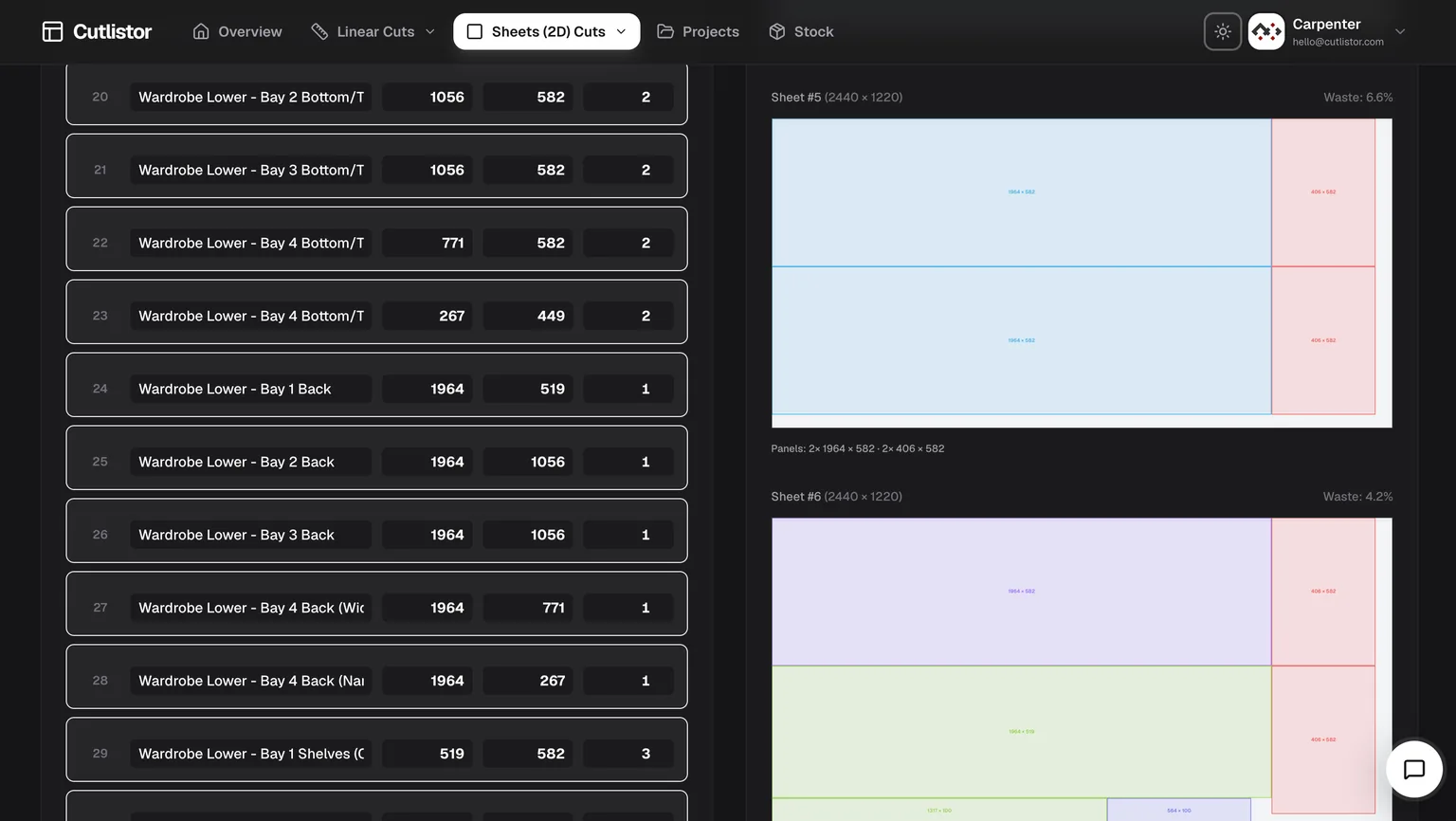
Cutlistor is a web app for 2D panel nesting and 1D bar optimization. Use it as a cut list optimizer online free on desktop or mobile with kerf-aware layouts, multiple sheet methods, and labeled PDF export.
Standout online features
Worth knowing before you test it: the free tier never charges you for iterating. Editing part sizes and re-nesting are unlimited. Only PDF exports and new projects count, 3 of them a day. Lists are capped at 20 rows, CSV and XLSX imports at 5 rows per file, and no work carries over between sessions.
- Real-time layout refresh as you edit parts, stock, kerf, or grain
- Separate sheet and linear optimizers for mixed jobs
- CSV and XLSX import from spreadsheet BOMs
- Multiple 2D methods: rips and rows, least waste, neat grid, router/CNC-friendly nesting
- AI plan scanning from sketches and PDF drawings (paid quotas on accounts)
- 3D CAD import via GLTF, GLB, and Collada (paid quotas on accounts)
- Metric and imperial units; responsive phone and tablet layouts
- 3 PDF exports per day (editing and re-optimizing unlimited)
- 20 part rows per session
- CSV/XLSX import up to 5 rows
- 3 AI plan scans and 3 3D CAD imports per month on the free tier
- No saved projects until you sign up for a paid plan
Pros: modern UX, no Calculate button, strong PDF output, import pipeline from Excel workflows.
Cons: free tier does not save work or export DXF; advanced import features expand on paid plans; needs internet like any cloud app.
Best for: shops that want one online platform for panels and sticks with room to grow into AI and CAD takeoff.
2. CutList Optimizer (classic browser tool)
CutList Optimizer remains a reference point for online sheet and linear optimization. It is entirely web-based and familiar to many forum users.
Key online features
- Sheet and linear modes in one site
- Grain direction, kerf, and PDF reports
- Cost fields for rough material budgeting
Pros: dependable, simple, no install, free tier covers many hobby and light pro jobs.
Cons: manual Calculate step after edits; limited import and automation compared with newer cloud apps.
Best for: users who want a proven online optimizer with minimal learning curve.
3. OptiCutter (online professional tier)
OptiCutter targets professional shops with polished 1D and 2D optimization, labels, and reporting in the browser.
Key online features
- Sheet and linear optimization
- CSV import and export
- Mobile-friendly interface and structured reports
Pros: excellent reporting and UX for teams evaluating paid online plans.
Cons: free access is limited; not built around real-time editing or CAD/sketch import.
Best for: businesses comparing subscription online optimizers side by side.
4. CutListEvo (cloud sheet focus)
CutListEvo offers cloud-based 2D sheet optimization with labels and cost fields, aimed at smaller woodworking businesses.
Pros: straightforward cloud workflow and readable visual layouts.
Cons: weaker linear tooling than dedicated 1D apps; fewer import and automation options than Cutlistor for mixed-material jobs.
Best for: small shops that primarily nest panels online and already know the product.
1D cutting optimizer online (linear stock)
Linear jobs (lumber, pipe, trim, aluminum extrusion) need length packing, not rectangle nesting. A sheet-only online tool will not optimize stick stock correctly.
Cutlistor runs a dedicated free linear cut list optimizer alongside the sheet tool. Import length-only rows from CSV, set kerf and optional mitered ends where supported, and export PDF stick diagrams for the chop saw or miter station.
When a casework job mixes panels and sticks, run both optimizers: sheet output for cases, linear output for face frames, cleats, and filler strips. See our sheet vs linear cutting optimization article for workflow detail.
Online optimizer comparison table
| Feature | Cutlistor | CutList Optimizer | OptiCutter | CutListEvo |
|---|---|---|---|---|
| No download required | Yes | Yes | Yes | Yes |
| Sheet nesting | Yes | Yes | Yes | Yes |
| Linear / 1D tool | Yes, dedicated | Yes | Yes | Limited |
| Real-time layout | Yes | No | No | Limited |
| PDF cut plans | Yes | Yes | Yes | Yes |
| CSV import | Yes | Limited | Yes | Varies |
| XLSX import | Yes | No | Varies | Varies |
| AI sketch / plan scan | Paid quotas | No | No | No |
| 3D CAD import | Paid quotas | No | Limited | No |
| Mobile friendly | Yes | Yes | Yes | Yes |
Using online optimizers on the shop floor
Tablets and phones are viable for reviewing PDF cut plans and tweaking quantities, but data entry on a small screen is slower than a keyboard. Many shops plan on a desktop, export PDF, then mark up layouts on a floor tablet.
Cutlistor responsive layouts adapt to narrow screens, which helps when a foreman checks yield at the rack instead of walking back to the office.
Save bandwidth by exporting PDF once per revision rather than reloading full layouts on cellular connections. If your shop has dead zones, download the PDF before leaving Wi-Fi coverage.
Which online cut list optimizer should you use?
Pick Cutlistor if:
You want real-time sheet and linear tools, CSV/XLSX import, and PDF export without installing software, with optional AI and CAD import as you scale.
Pick CutList Optimizer if:
You prefer a classic, proven browser tool and accept manual recalculation after each edit.
Pick OptiCutter if:
Reporting polish and trial access to a subscription online optimizer matter more than real-time editing or CAD import.
Conclusion
The best online cut list optimizer is the one your team will actually open on every job. Cutlistor, CutList Optimizer, OptiCutter, and CutListEvo all eliminate PC installs; they differ on real-time refresh, linear tooling depth, import options, and free tier limits.
Test with a real BOM: import your spreadsheet, set kerf, export PDF, and compare sheet counts and readability. Standardize the tool that saves material and minutes on your typical casework or trim package.