Comparison · 9 min read
Cutlistor vs CutList Plus fx
This is the clearest either/or in the category, because the two products disagree about almost everything: browser versus installed Windows software, subscription versus one-time licence, and cut optimization versus full shop costing. CutList Plus fx has been the desktop standard for North American woodworking shops for two decades and it earns that position. Whether it is right for you comes down to two questions, both answerable in a minute.
The short verdict
Are you on a Mac, or do you need more than one person to use it in different places? Then CutList Plus is awkward - it is Windows-only and licensed per machine.
Do you need customer-facing quotations with material and labour costed, and do you have reliable Windows machines and no interest in a recurring bill? Then CutList Plus is very likely the better purchase, and this comparison should end with you buying it.
What it actually costs over five years
This is the comparison people really want, and it is worth doing honestly because the subscription does not always win.
CutList Plus fx sells three editions as one-time purchases: Silver at $89, Gold at $249 and Platinum at $499, single-user, with no annual fee. Upgrades between editions cost the difference in list price.
Cutlistor's Pro plan is $12 per month or $99 per year.
Over five years, Cutlistor Pro billed yearly totals $495. CutList Plus Silver totals $89 and Gold totals $249 for the same period. On pure cost across five years, the one-time licence is cheaper - substantially so at the Silver tier. What the subscription buys is continuous updates, no per-machine licensing, and access from any device.
| Cutlistor Pro | CutList Plus Silver | CutList Plus Gold | |
|---|---|---|---|
| Model | Subscription | One-time | One-time |
| Price | $12/mo or $99/yr | $89 | $249 |
| Free tier | 3 PDF exports/day (optimizing unlimited), 20 rows, nothing saved | None (paid desktop only) | |
| 5-year cost | $495 | $89 | $249 |
| Licensed per | User account | Machine | Machine |
| Platform | Any browser | Windows only | Windows only |
| Updates included | Always | Within version | Within version |
Competitor pricing checked 23 July 2026. Prices change - verify on the vendor's own site before buying.
Windows-only is the practical dealbreaker
CutList Plus fx runs on Windows. There is no native Mac build - Mac users run it under Parallels, Fusion or Boot Camp, which means buying and maintaining a Windows licence on top of the software.
It is also licensed per machine, so the estimator's office PC and the shop computer are two purchases. Cutlistor is licensed to a user account and opens on whatever is in front of you: Mac, Windows, Linux, a Chromebook, or a tablet next to the saw.
For a single-person Windows shop this difference is worth nothing. For a two-location shop with mixed hardware it inverts the cost comparison above.
Costing and quotations versus design ingestion
The two products invest their depth in different places, and it is worth being clear that CutList Plus goes deeper than Cutlistor in its chosen direction.
CutList Plus fx's higher editions build out the business side: material costing, labour rates, customer proposals and printed quotations. If your workflow ends with handing a customer a priced quote, that is a substantial amount of work already done for you.
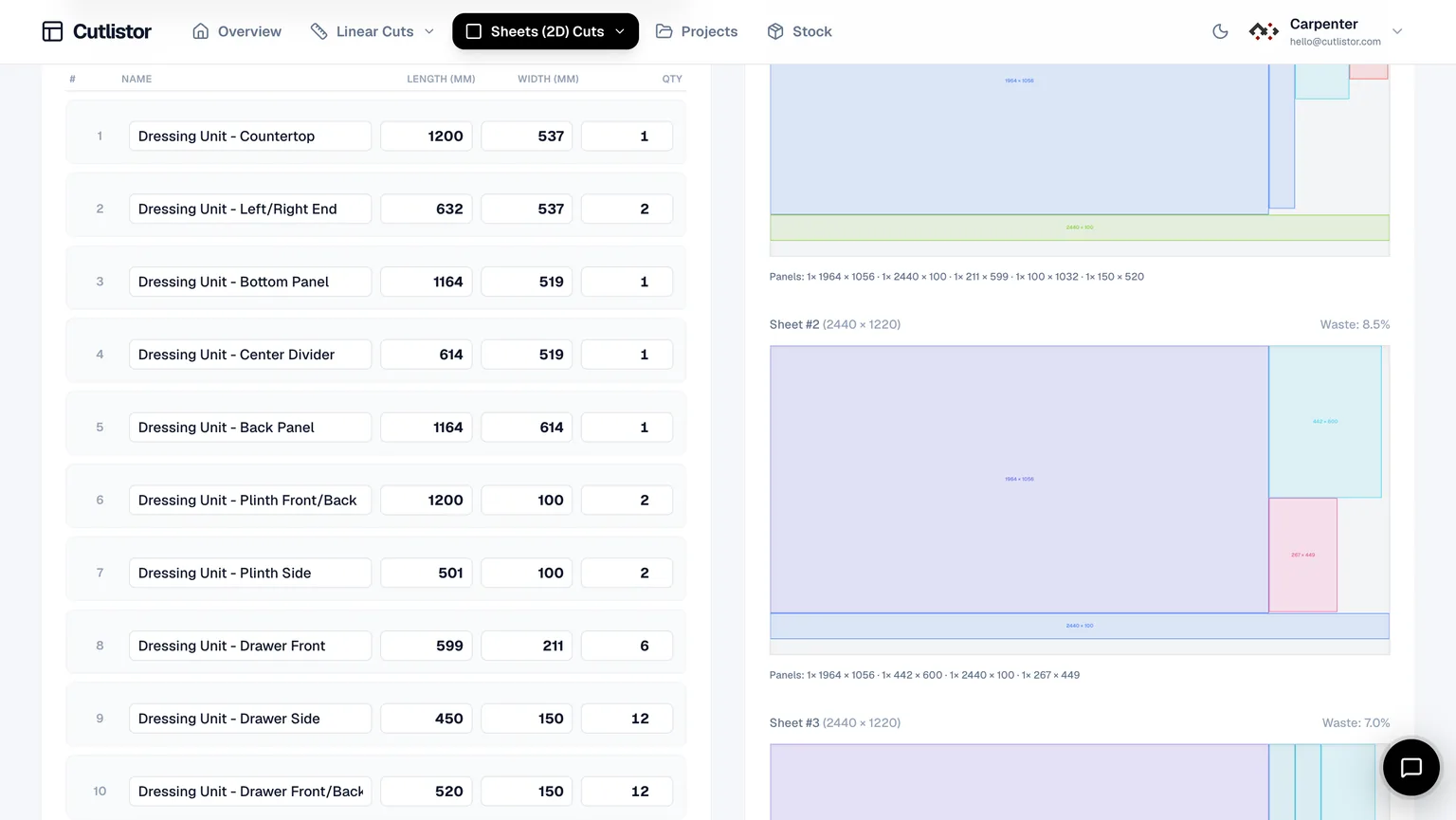
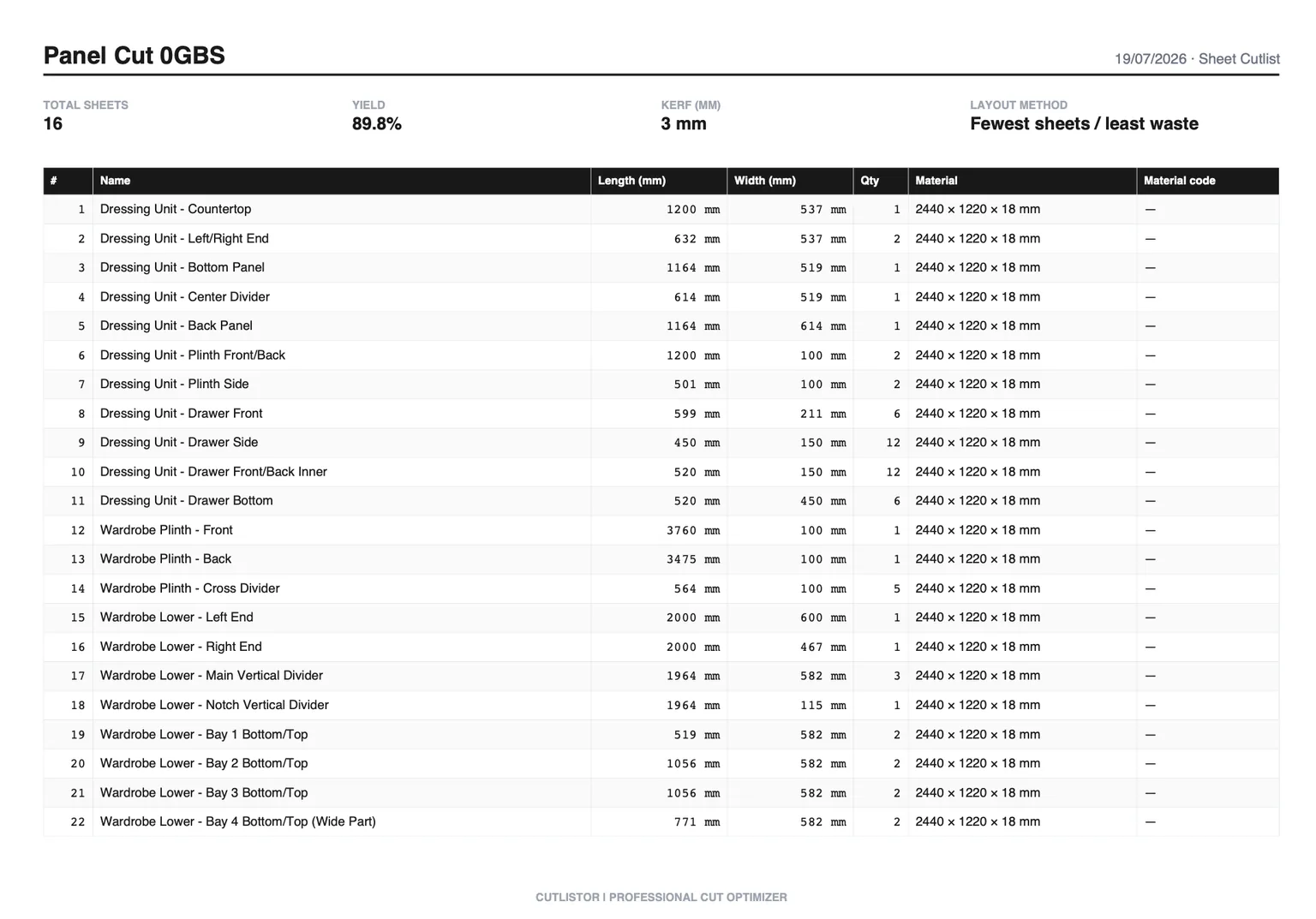
Cutlistor invests in the other end - getting parts in. Spreadsheet import, AI scanning of PDF plans and sketches, and 3D CAD mesh import from glTF, GLB and Collada, plus DXF export for CNC. It does not produce customer quotations.
| Capability | Cutlistor | CutList Plus fx |
|---|---|---|
| Sheet (2D) nesting | Yes | Yes |
| Linear (1D) optimization | Yes | Yes |
| Customer quotations | No | Yes (higher editions) |
| Material and labour costing | No | Yes (higher editions) |
| Works offline | No | Yes |
| Mac support | Yes | Via Windows virtualization only |
| DXF export for CNC/CAM | Yes | Varies by edition |
| AI plan / sketch import | Yes (paid quotas) | No |
| 3D CAD mesh import | Yes | No |
| Access from a tablet | Yes | No |
No Calculate button, and no paying for speed
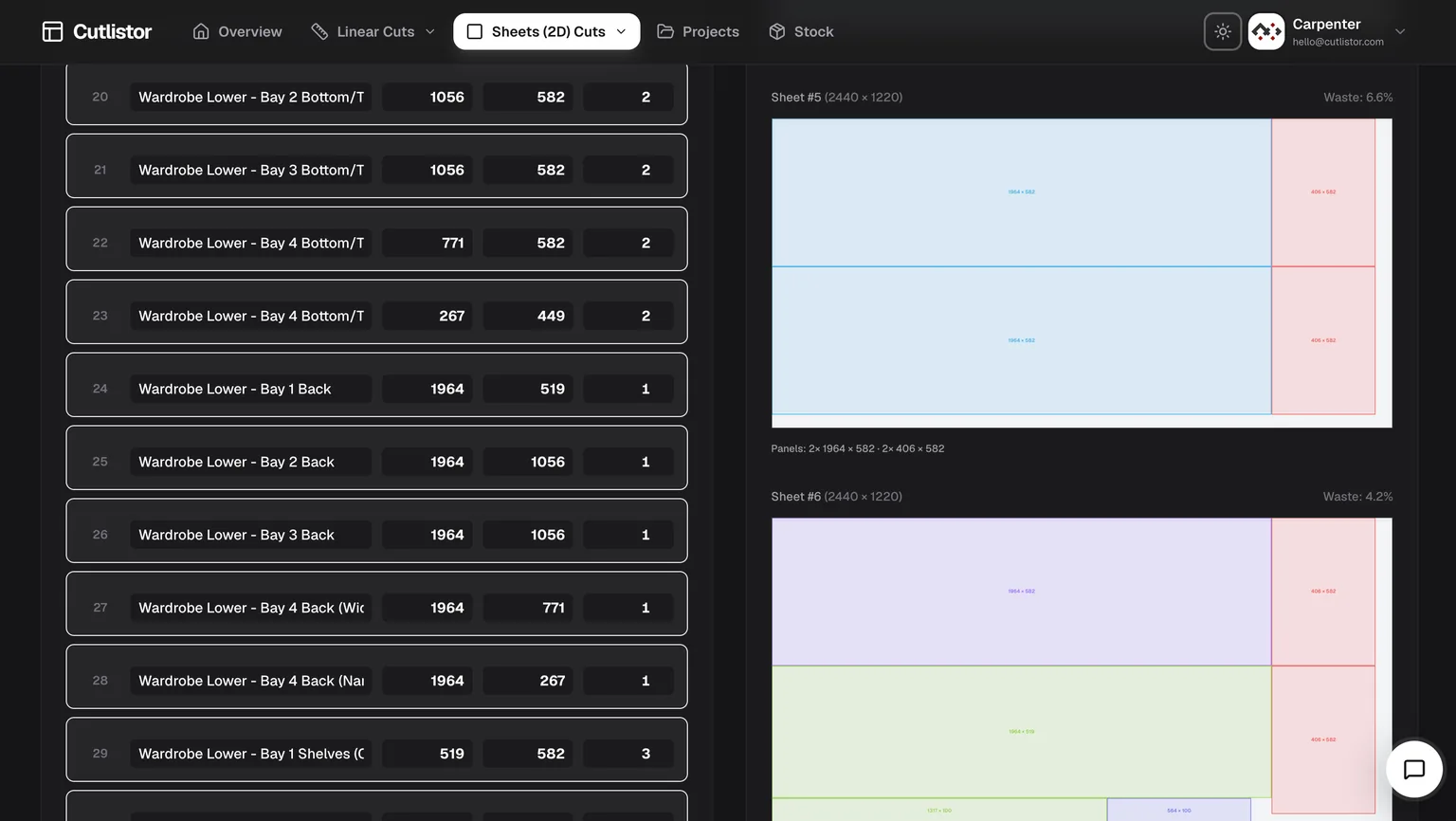
Cutlistor recalculates as you type. Change a part width, add a sheet, adjust the kerf - the layout redraws immediately. There is no Calculate button in the interface, because there is nothing to wait for.
That sounds cosmetic until you price a real job. Cut lists are not entered once; they are edited twenty times as a design settles. A tool that recalculates on demand charges you a click and a pause for every one of those edits, and the cost lands precisely when you are iterating hardest.
It is also worth noting what Cutlistor does not do: charge for calculation speed. Every plan, including the free tier, runs the same solver at the same speed. Some competitors reserve faster calculation for a higher tier - so the customer who edits most, and therefore waits most, is the one asked to pay extra to stop waiting.
Four ways to get parts in - most tools have one
Typing a cut list by hand is where the time actually goes, and it is where almost every optimizer leaves you. Cutlistor accepts parts from four directions:
- CSV import, with automatic column matching so your existing headings work without renaming anything.
- Excel / XLSX import, reading the workbook directly rather than asking you to export to CSV first.
- AI scanning of PDF plans, drawings and photographed sketches - point it at an emailed elevation and get parts out.
- 3D CAD model import from glTF, GLB and Collada, so panels come straight out of a SketchUp or Fusion model.
You do not have to guess the format. Download a sample below, replace the rows with your own parts, and import it - sheet files take name, length, width, qty, grain direction, material code, material name and a free-text column; linear files take name, length, qty, material code, material name and a free-text column. Column matching handles the common variations, so headings like “Width (mm)” or “Quantity” are recognised without renaming.
| Import path | Cutlistor | Typical browser optimizer | Typical desktop optimizer |
|---|---|---|---|
| Manual entry | Yes | Yes | Yes |
| CSV | Yes, with column matching | Sometimes, fixed format | Usually |
| Excel / XLSX direct | Yes | Rarely | Sometimes |
| PDF plan or sketch (AI) | Yes | No | No |
| 3D CAD mesh | Yes (glTF, GLB, Collada) | No | Rarely |
Checked against each vendor's published feature list on the date shown at the foot of this page.
The detail features nobody else bothers with
Most optimizers stop at rectangles and lengths. Real work has awkward parts, and these are the ones that usually get handled by hand on a notepad:
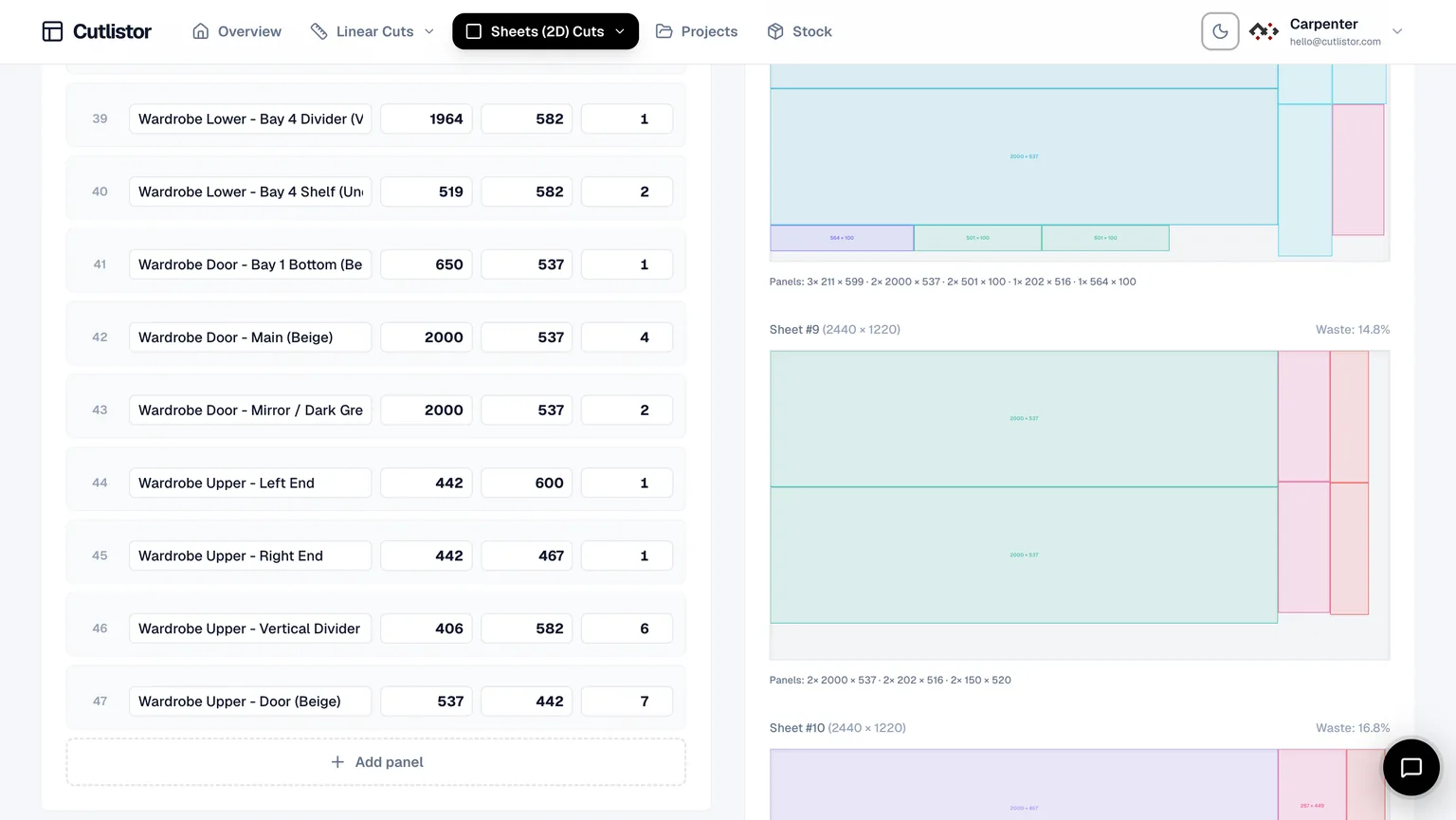
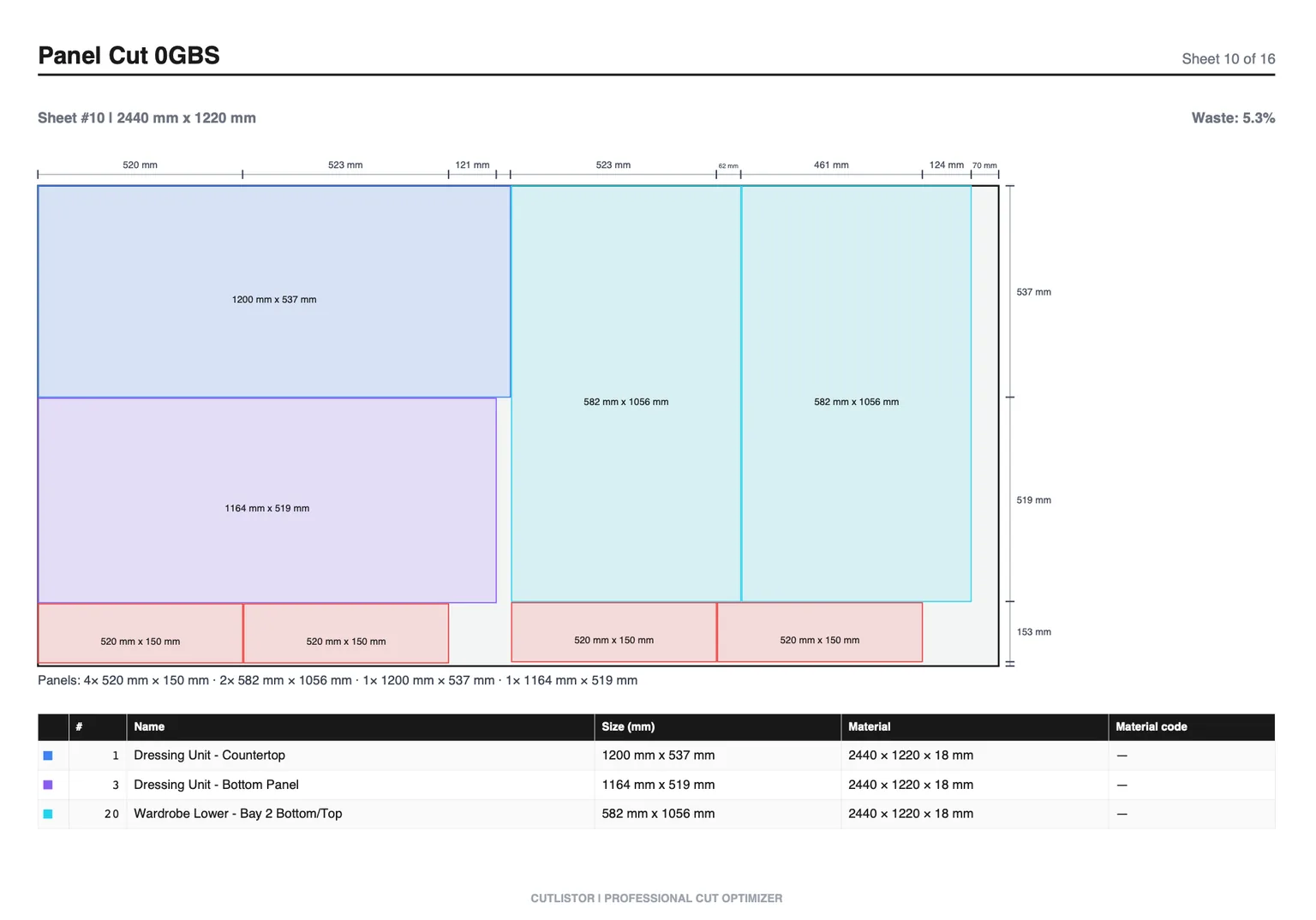
- Laminate calculations - panels that gain thickness and cost on one or both faces, accounted for in the layout and carried into the exported documents rather than added afterwards.
- Edge banding, tracked per edge and shown on the diagram so whoever is banding knows which edges without asking.
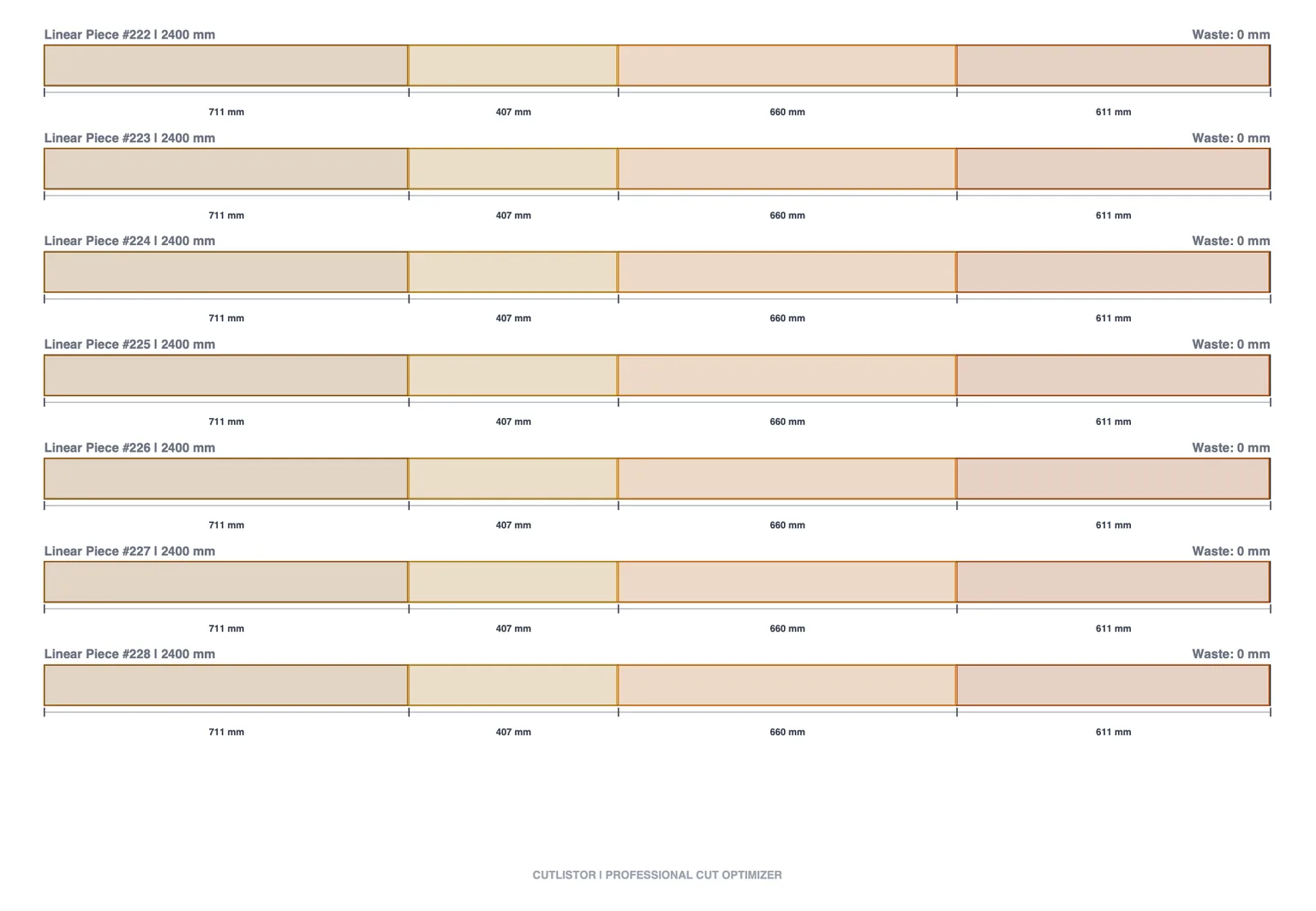
- Mitered ends on linear cuts, with the miter angle affecting the length consumed on the stock - a 45-degree return does not cost the same as a square cut, and pretending otherwise is how trim runs come up short.
- Cross-section aware linear stock for pipe, tube, bar and angle, so the material is not treated as an abstract line.
- Grain direction locking on visible faces, honoured through nesting rather than applied as an afterthought.
- DXF export from both sheet and linear layouts, with the miter geometry preserved for a CNC.
Where CutList Plus fx wins
More places than a vendor comparison page normally admits.
It works offline, which matters in workshops with poor connectivity. It is a one-time cost, which over five years is cheaper. It produces customer-facing quotations with costing built in. And it has two decades of refinement aimed squarely at North American cabinet shops, including material libraries that match what your supplier actually stocks.
If you are a Windows-based cabinet shop that quotes customers and dislikes subscriptions, buy CutList Plus. That is the honest recommendation.
Which should you choose
- Windows shop, quotes customers, no interest in subscriptions: CutList Plus fx.
- Workshop with unreliable internet: CutList Plus fx - Cutlistor needs a connection.
- Mac or mixed-platform shop: Cutlistor. Virtualization is a poor answer to this.
- Multiple people or locations needing access: Cutlistor - per-machine licensing adds up fast.
- Parts arriving from SketchUp, Fusion or emailed PDFs: Cutlistor.
- CNC requiring DXF: Cutlistor, or verify the edition of CutList Plus that covers it.
The two questions that decide it
First: is every machine that needs this software running Windows, and will it stay that way? If no, the licensing model makes CutList Plus more expensive than its sticker price suggests.
Second: does your job end at a cut plan, or at a priced customer quotation? If it ends at a quotation, CutList Plus has already built what you would otherwise assemble in a spreadsheet.
Everything else - solver quality, kerf handling, grain locking - is close enough between them that it should not decide the purchase.
If it does not do what your shop needs, ask
Cutlistor is small enough that feature requests reach the person who writes the code. Several of the features above - laminate handling, miter-aware linear cuts, cross-section stock - exist because someone cutting material asked for them and explained why the workaround was costing them time.
If your workflow needs something that is not here, describe it and we will look at building it. That is a genuinely different proposition from filing a ticket against a twenty-year-old desktop product or a tool maintained as a side project, and it is worth weighing alongside a feature table.
FAQ
- Is CutList Plus a one-time purchase?
- Yes. Silver is $89, Gold $249 and Platinum $499, single-user, with no annual fee. Upgrading between editions costs the difference in list price. Cutlistor is subscription-only.
- Which is cheaper over five years?
- CutList Plus. Silver at $89 or Gold at $249 one-time is less than Cutlistor Pro at $99 per year, which totals $495 over five years. The subscription buys continuous updates, multi-device access and no per-machine licensing - whether that is worth the difference depends on your setup.
- Does CutList Plus run on a Mac?
- Not natively. It requires Windows, so Mac users run it through Parallels, Fusion or Boot Camp, which means buying a Windows licence as well. If you are on a Mac, that hidden cost belongs in the comparison.
- Can Cutlistor produce customer quotations?
- No. Cutlistor produces cut plans, layouts and exports; it does not generate priced customer proposals. CutList Plus fx's higher editions do, including material and labour costing. If quoting is part of your job, that is a real gap.
- Does Cutlistor work offline?
- No - it needs a connection, because optimization runs against the site. CutList Plus is installed desktop software and works offline. For workshops with unreliable internet this alone may decide it.