Article · 3 min read
CutList Plus alternative for the browser
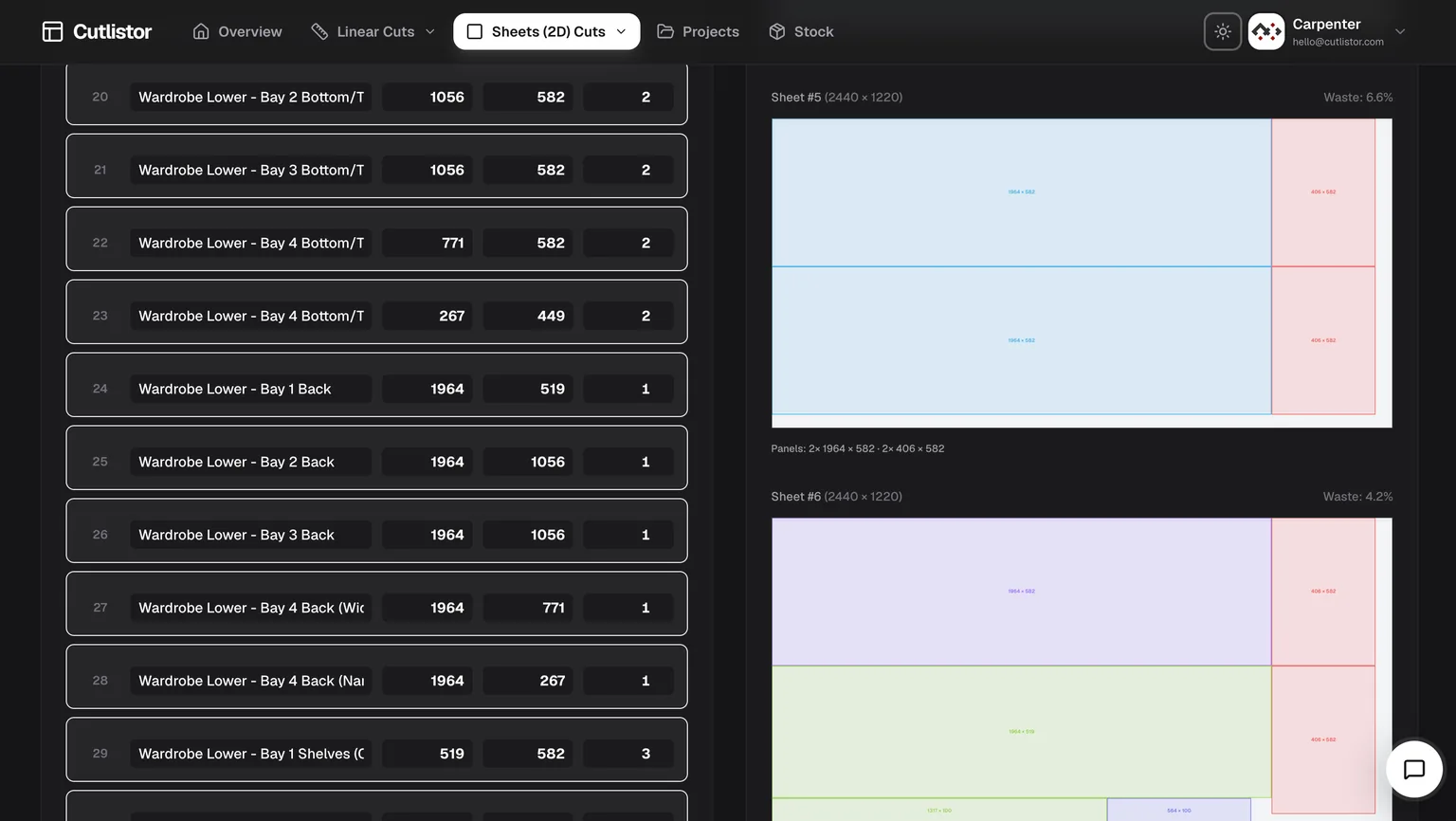
CutList Plus fx is a long-running Windows desktop program that pairs cut optimization with material costing, printed labels, and shop reports. It is a capable package, but it is paid, install-based, and Windows-centric. If you want the same core nesting without buying desktop software - or you work on a Mac, tablet, or shared shop PC - Cutlistor is a free browser alternative for both sheet and linear cutting, with optional saved projects and stock inventory on paid plans.
Where Cutlistor differs from CutList Plus fx
CutList Plus fx leans toward a full estimating suite: optimization plus costing, inventory, and label printing in one paid desktop product. Cutlistor focuses on fast, browser-based optimization you can open anywhere, with import pipelines from spreadsheets and 3D CAD so you are not retyping a BOM.
If your priority is detailed job costing and printed part labels on Windows, CutList Plus fx is built for that. If your priority is quick, real-time layouts, cross-device access, and a free starting point, Cutlistor fits better.
| What you need | Cutlistor | CutList Plus fx (positioning) |
|---|---|---|
| Runs in the browser, no install | Yes | Windows desktop install |
| Free to start | Yes - free sheet + linear tools | Paid editions / trial |
| Sheet (2D) nesting | Yes - multiple methods | Yes |
| Linear (1D) optimization | Yes - dedicated tool | Yes |
| Real-time layout refresh | Yes | Recalculate workflow |
| Spreadsheet + 3D CAD import | CSV/XLSX; glTF/GLB/Collada (paid) | Import options vary |
| Costing, labels, inventory reports | Stock + pricing on paid plans | Strong estimating/labels focus |
When CutList Plus fx is still the better pick
If your shop runs detailed estimating, prints part labels for every job, and is committed to a Windows desktop workflow, CutList Plus fx remains a solid, mature choice. Vet its current editions and pricing on the vendor site before deciding.
For everyday nesting, fast revisions, and free browser access across devices, try Cutlistor first and compare sheet count, PDF clarity, and how quickly a dimension change updates the plan.
Migrating from CutList Plus fx
Export job data to CSV or XLSX when possible. Map columns to Cutlistor import samples. Re-enter stock SKUs with today's purchased sizes and current kerf per process.
Run one kitchen or closet job in both tools: compare sheet count, linear stick usage, PDF readability, and revision speed after a typical client change order.
- Import BOM instead of retyping from printed reports
- Use 3D CAD import on paid plans for SketchUp/Fusion meshes
- Keep costing in your ERP; use Cutlistor for nest accuracy
- Save repeat jobs as projects on paid plans
Try Cutlistor free first
Open the free sheet and linear optimizers in the browser — no Windows installer. If PDF clarity and real-time edits beat your desktop workflow on daily jobs, upgrade for saved projects and inventory.
Independence note
CutList Plus and CutList Plus fx are trademarks of their respective owner. Cutlistor is not affiliated; this page compares workflows so you can choose deliberately.
FAQ
- Is Cutlistor a free CutList Plus alternative?
- Yes. Cutlistor's sheet and linear optimizers run free in the browser with daily limits; paid plans add saved projects, stock inventory, and AI/CAD import.
- Do I need to install software like CutList Plus fx?
- No. Cutlistor is a web app - no Windows installer. It works on Windows, Mac, tablet, and phone in a modern browser.
- Can Cutlistor do costing like CutList Plus fx?
- Cutlistor supports material pricing and stock inventory on paid plans, but CutList Plus fx offers deeper dedicated estimating and label printing. Choose based on how central costing is to your workflow.
Related alternatives
- Cutlist Ltd alternativeCutlist Ltd alternative: a free online cut list optimizer for workshops covering both sheet and linear stock, with PDF export and no download.
- OptiCutter alternative built for everyday build workflowsCutlistor vs OptiCutter for woodshops: sheet layouts, 3D CAD and AI plan import, spreadsheet BOM ingest, kerf-aware PDFs and DXF export for CNC.
- CutList Optimizer style workflow in CutlistorEvaluate an alternative to classic online panel cut list optimizers: Cutlistor’s free browser nesting, kerf-aware PDFs, and linear stock tool for mixed jobs.
- Cutlist Evolution style optimization in the browserCompare part limits, pricing models, linear cutting and CNC export across the main browser optimizers, plus where Cutlist Evolution still wins.