Article · 3 min read
Cutlister alternative
Shops comparing Cutlister-style tools can use Cutlistor’s free optimizers for plywood nesting and linear bar cuts, with real-time layouts, CSV/XLSX import, kerf-aware PDFs, and optional AI plan scanning on paid plans. The goal is the same as any Cutlister search: fewer wasted sheets, clearer cut sequences, and faster answers when dimensions change mid-job.
What Cutlister searches usually mean
Cutlister and similar names point to online cut list tools for panel and stick stock. Cutlistor covers both material forms in one browser product.
- Sheet optimizer for plywood, MDF, melamine
- Linear optimizer for lumber, trim, pipe
- Four sheet layout methods
- Import from spreadsheet instead of retyping
Cutlistor vs Cutlister-style tools
| Capability | Cutlistor |
|---|---|
| Browser cut list optimizer | Yes |
| Sheet + linear | Both |
| Real-time editing | Yes |
| PDF export | Yes |
| Free tier | Yes |
Try the free tools
Run your next plywood or trim job through the free optimizers before committing to any paid subscription elsewhere.
Typical Cutlister-style workflow in Cutlistor
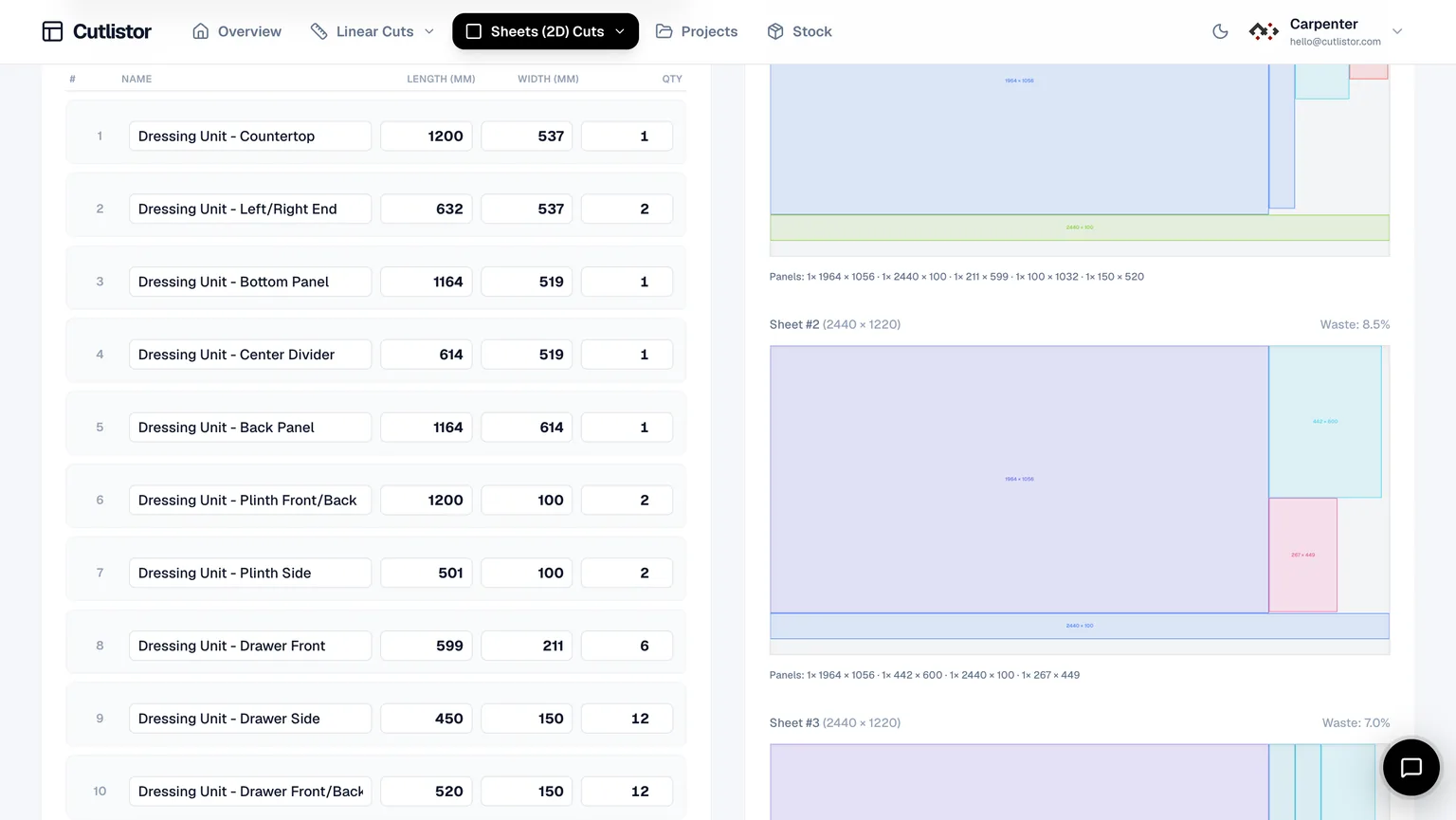
Open the sheet optimizer, enter purchased plywood or MDF sizes, add parts or import CSV/XLSX, set kerf, pick a layout method that matches your saw, export PDF. For baseboard, casing, or studs, repeat in the linear optimizer with stick lengths and kerf.
Real-time previews update as you edit rows — useful when the designer emails a revised BOM mid-afternoon and you need a new sheet count before the yard closes.
| Job phase | Cutlistor step |
|---|---|
| Panel nest | Sheet optimizer → set stock → import BOM → export PDF |
| Trim and studs | Linear optimizer → multiple stick lengths → export PDF |
| Revision | Edit one row → layouts refresh without restarting |
Compare on a real job before switching
Run the same cut list through Cutlister (or your current tool) and Cutlistor. Match kerf and stock, compare sheet count, PDF clarity, and how long a dimension tweak takes. The tool that survives edits wins.
Pay attention to grain locks on visible plywood faces and to kerf on dense nests — small input differences often explain sheet-count disagreements between tools.
Independence note
Cutlister is a separate product. Cutlistor is not affiliated.
FAQ
- Is Cutlistor the same as Cutlister?
- No. Independent products. This page helps you compare online cut list workflows.
- Can I optimize plywood and lumber together?
- Use sheet optimizer for panels and linear optimizer for sticks; link both PDFs in job notes.
- Is Cutlistor free?
- Yes for browser optimizers with daily limits; accounts unlock saved projects.
Related alternatives
- CutList Plus alternative for the browserCutList Plus fx alternative: a free browser cut list optimizer for sheet and linear stock, with kerf-aware PDF export and no Windows install.
- Cutlist Ltd alternativeCutlist Ltd alternative: a free online cut list optimizer for workshops covering both sheet and linear stock, with PDF export and no download.
- OptiCutter alternative built for everyday build workflowsCutlistor vs OptiCutter for woodshops: sheet layouts, 3D CAD and AI plan import, spreadsheet BOM ingest, kerf-aware PDFs and DXF export for CNC.
- CutList Optimizer style workflow in CutlistorEvaluate an alternative to classic online panel cut list optimizers: Cutlistor’s free browser nesting, kerf-aware PDFs, and linear stock tool for mixed jobs.