Guide · 6 min read
Cut list examples
A blank template only gets you so far. What most people actually want when they search for a cutting list example is a filled-in one: real part names, real dimensions, and enough rows to see how the columns get used. Below are three complete examples covering the three situations you are likely to be in - a single piece of sheet-goods furniture, a repeating run of cabinets, and a linear framing job - plus notes on the format itself and what changes when the list is going into software rather than onto a clipboard.
The columns a cut list needs
Every cut list is the same handful of columns. Add more and people stop reading them; use fewer and the person at the saw has to ask.
Length and width are always finished sizes, after any allowance you intend to make. If you plan to cut oversize and trim, say so in the notes column rather than quietly inflating the numbers, or the next person will add the allowance twice.
| Column | Holds | Example |
|---|---|---|
| Part | What the piece is called on the drawing | Side, left |
| Qty | How many identical pieces | 2 |
| Length | Long finished dimension | 1800 mm |
| Width | Short finished dimension (sheet parts only) | 300 mm |
| Material | Stock the part is cut from, including thickness | 18 mm birch ply |
| Grain | Whether the part may be rotated | Locked |
| Edging | Which edges get banded, if any | Front long edge |
| Notes | Anything the operator must know | Drill shelf pins before assembly |
Example 1: bookcase in 18 mm plywood
A 1800 mm tall, 800 mm wide, 300 mm deep bookcase with five fixed shelves and a rebated back. Two materials, so two groups - the 6 mm back never nests with the 18 mm carcass.
Note that the shelves are 764 mm rather than 800 mm: the sides are 18 mm each, so the internal width is 800 − 36 = 764 mm. Getting that subtraction wrong is the single most common cut list error, and it is invisible until assembly.
| Part | Qty | Length | Width | Material | Grain |
|---|---|---|---|---|---|
| Side | 2 | 1800 | 300 | 18 mm birch ply | Locked |
| Top | 1 | 764 | 300 | 18 mm birch ply | Locked |
| Bottom | 1 | 764 | 300 | 18 mm birch ply | Locked |
| Shelf | 5 | 764 | 292 | 18 mm birch ply | Locked |
| Plinth | 1 | 764 | 100 | 18 mm birch ply | Free |
| Back | 1 | 1790 | 790 | 6 mm birch ply | Locked |
Shelves are 292 mm deep rather than 300 to sit behind the front edge. Back is sized for a 5 mm rebate on all four sides.
Example 2: three base cabinets, 720 × 560, in melamine
Repeating casework is where a cut list stops being a list and starts being a small database. Three identical 800 mm base cabinets, 720 mm high and 560 mm deep, built frameless from 18 mm white melamine with a 16 mm back in a groove.
The quantities are per-job, not per-cabinet, which is the convention that avoids arithmetic at the saw. Write the per-cabinet count in the notes if the crew builds one at a time.
| Part | Qty | Length | Width | Material | Edging |
|---|---|---|---|---|---|
| Gable | 6 | 720 | 560 | 18 mm white melamine | Front edge |
| Deck, bottom | 3 | 764 | 560 | 18 mm white melamine | Front edge |
| Stretcher, front | 3 | 764 | 100 | 18 mm white melamine | Front edge |
| Stretcher, rear | 3 | 764 | 100 | 18 mm white melamine | None |
| Shelf, adjustable | 3 | 760 | 540 | 18 mm white melamine | Front edge |
| Back | 3 | 700 | 780 | 16 mm white melamine | None |
| Toe kick | 3 | 800 | 150 | 18 mm white melamine | Top edge |
Two gables per cabinet, hence 6. Shelves are cut 4 mm narrower than the internal width so they drop in without scraping.
Example 3: deck frame in treated 2×8 and 2×6
Linear jobs drop the width column entirely - the stock profile carries it - and add a stock length column, because which bundle you buy changes the answer.
A 4.8 × 3.6 m deck on 400 mm joist centres: rim joists and joists in 2×8, blocking in 2×6. Joists are 3.6 m less two rim thicknesses, so 3.6 m − 2 × 38 mm = 3524 mm.
| Part | Qty | Length | Stock | Notes |
|---|---|---|---|---|
| Rim joist | 2 | 4800 | Treated 2×8 | Full length, no splice |
| End joist | 2 | 3524 | Treated 2×8 | |
| Joist | 11 | 3524 | Treated 2×8 | 400 mm centres |
| Blocking | 11 | 362 | Treated 2×6 | Staggered mid-span |
| Ledger | 1 | 4800 | Treated 2×8 | Bolt pattern per detail |
Buy 2×8 in 3.6 m and 4.8 m; a linear optimizer will tell you the split that leaves the least drop.
Formatting for software instead of a clipboard
A cut list you intend to import needs slightly stricter habits than one you are going to read yourself. Nothing exotic - just consistency.
- One unit throughout: all millimetres or all inches, never mixed by row
- Numbers in number columns - "1800" not "1800 mm" or "~1800"
- One row per part type with a quantity, not one row per physical piece
- Material spelled identically on every row that shares a stock item
- No merged cells, no blank spacer rows, no totals row inside the data
- Fractions written consistently if you work imperial - 23 1/4 or 23.25, not both
Cutlistor imports CSV and XLSX up to 5 rows on the free tier and matches your column headings to its own, so you rarely have to rearrange a spreadsheet you already keep.
What these lists turn into
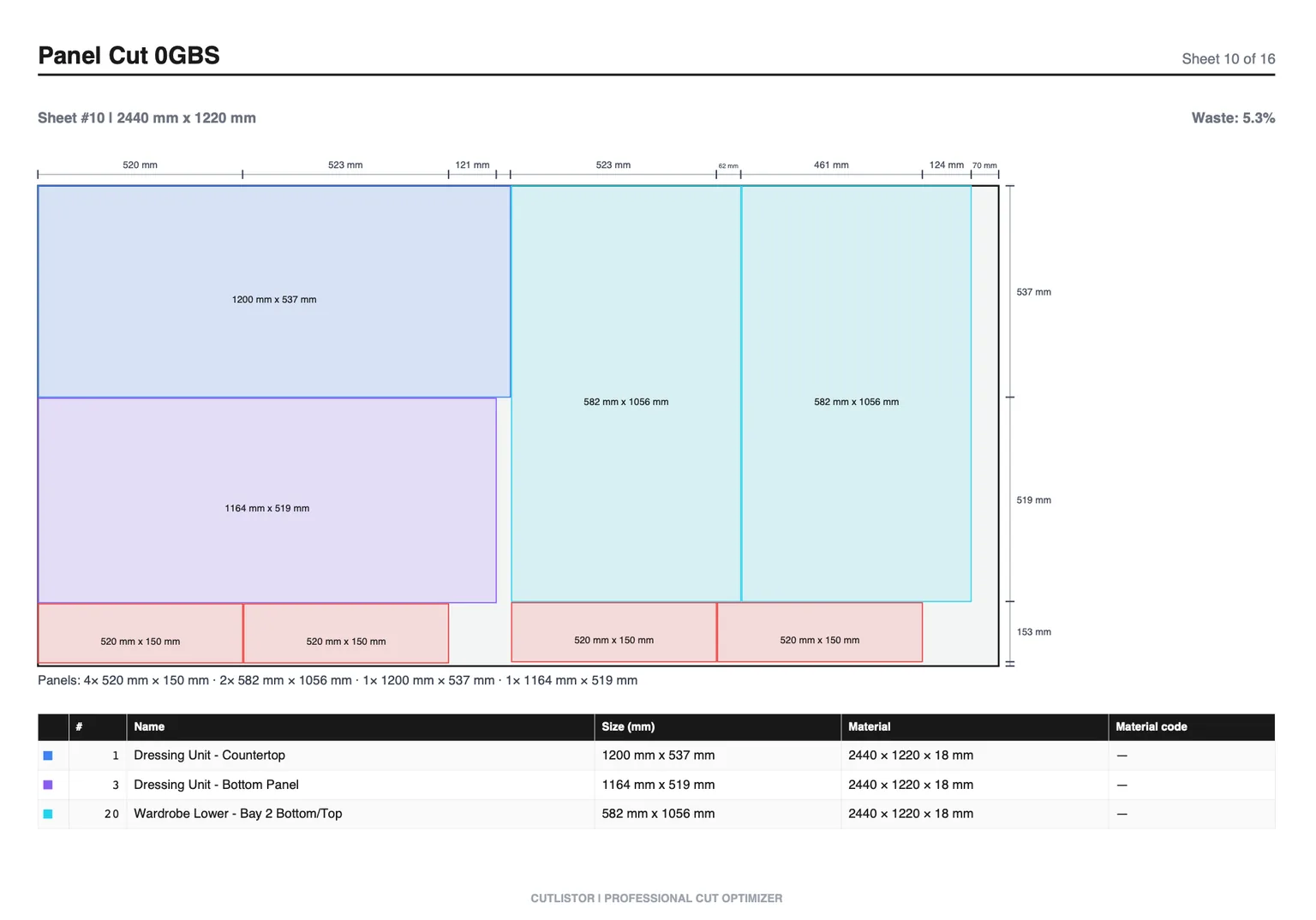
None of the three examples above is a cutting plan yet. Each is the input. Run example 1 through a sheet optimizer and you get one 18 mm sheet with the eight carcass parts nested on it and a labelled offcut, plus a separate 6 mm diagram for the back. Run example 3 through a linear optimizer and you get a bar-by-bar cutting sequence with the drop on each stick.
That gap between list and plan is exactly where material gets wasted, because eyeballing it is unreliable in a way that feels reliable at the time.
FAQ
- What does a cut list look like?
- A table with one row per part type: part name, quantity, length, width, material, and any grain or edging notes. Sheet parts carry two dimensions; linear parts carry one.
- Should quantity be per item or per job?
- Per job. Writing 6 gables for three cabinets avoids multiplication errors at the saw. Put the per-item count in the notes if it helps the build sequence.
- Do I list finished sizes or oversize?
- Finished sizes. If you intend to cut oversize and trim, note the allowance in the notes column rather than building it into the dimensions, or it gets applied twice.
- What format should a cut list be in for import?
- CSV or XLSX, one unit throughout, numbers without unit suffixes, one row per part type, no merged cells or totals rows inside the data.
- Is a cut list the same as a bill of materials?
- No. A BOM covers everything the job consumes including hardware and finish. A cut list covers only the pieces that get cut from stock.
Related guides
- What is a cutting plan?A cutting plan is the full set of layouts for a job plus the order you cut them in. What it contains, how to draw one, and how to judge whether it is any good.
- Standard cabinet widths and the 3-inch increment ruleWhy cabinet lines step in 3-inch increments, the full width table for base, wall and tall cabinets, and the part sizes each width produces.
- Cut list optimizer: free online sheet & linear calculatorWhat a cut list optimizer actually does: kerf, nesting, grain, offcuts and yield explained for sheet goods and linear stock, in plain shop language.
- Cutting list optimization that works in real shopsGuide to cutting list optimization: improve yield, apply kerf, compare sheet vs linear workflows, and use Cutlistor’s free optimizers for instant cut layouts.