Calculator page · 5 min read
Sheet optimizer
A sheet optimizer takes a list of rectangular parts and works out how to fit them onto as few pieces of sheet stock as possible, accounting for the material the cut itself destroys. The material barely matters to the arithmetic - plywood, MDF, melamine, mild steel plate, aluminium, acrylic, polycarbonate and glass all present the same packing problem, with different kerf values and different rules about which parts may be rotated. What changes between industries is the vocabulary, not the algorithm.
What sheet optimization actually decides
Given your parts and your stock, the optimizer chooses a position and rotation for every part, keeps neighbouring parts a kerf apart, and reports how many pieces of stock the job consumes.
The number to read first is that stock count, because it is what you buy. Yield percentage is a useful secondary signal but a poor target on its own - it can always be improved by producing a layout nobody wants to cut.
- Part positions and rotations, subject to grain or directional-finish locks
- Kerf spacing between parts, set from the tool doing the cutting
- How many of each stock size to consume when several are available
- Which offcuts are large enough to be worth keeping
- Cut sequence implied by the layout, which decides how pleasant it is to run
Same problem, different materials
The reason one tool covers wood and metal shops is that the constraints differ in value rather than in kind. Set kerf correctly and lock rotation where the material has a direction, and the rest is identical.
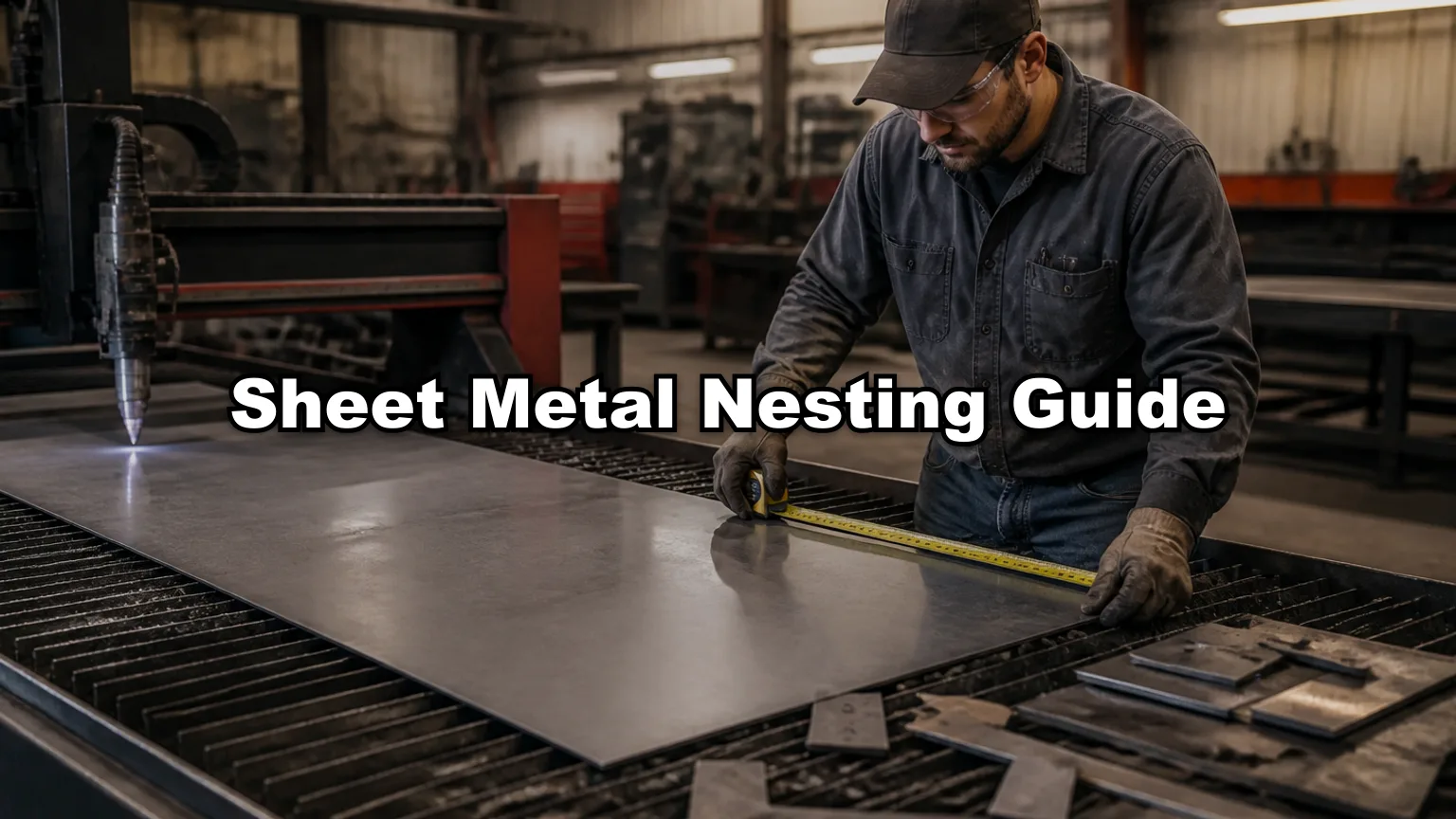
| Material | Common stock size | Typical kerf | Rotation locked? |
|---|---|---|---|
| Plywood | 2440 × 1220 mm / 8' × 4' | 3.2 mm saw | On visible faces (grain) |
| MDF | 2440 × 1220 mm | 3.2 mm saw | No |
| Melamine / chipboard | 2800 × 2070 mm and 2440 × 1220 mm | 3.2-4.8 mm | Only on woodgrain decors |
| Mild steel plate | 3000 × 1500 mm | 1.5-4 mm plasma, 0.2-0.4 mm laser | No |
| Aluminium sheet | 2500 × 1250 mm | 0.2-0.4 mm laser | On brushed finishes |
| Acrylic / polycarbonate | 3050 × 2030 mm | 2-3 mm saw, 0.3 mm laser | No |
| Glass | By supplier | Score and snap, effectively 0 | On coated glass |
Stock sizes vary by supplier and region - always enter the size on your delivery note rather than the nominal name.
Sheet optimization workflow: stock, parts, kerf, run
Four inputs, in this order, and the order matters because each one changes what the next is worth doing.
- Stock: enter the sheet size you purchase, per SKU, including any oversize on the delivered sheet
- Parts: length × width × quantity, at finished sizes, one row per part type
- Kerf: blade width for a saw, cutter diameter for a router, process kerf for thermal cutting
- Constraints: grain locks on visible parts, edge margin if the machine needs hold-down room
- Run, read the stock count, then look at the diagram as the person who has to cut it
- Try a second layout strategy and keep whichever you would rather run
The free sheet optimizer runs entirely in the browser: 20 part rows per session, CSV or XLSX import up to 5 rows, and 3 PDF exports a day with unlimited editing and re-running in between.
One material group per layout
The most common way to get a misleading result is to nest several materials together because they are all sheets. An 18 mm carcass panel and a 6 mm back cannot share stock, so a layout that mixes them promises a sheet count you cannot buy.
Split by thickness, finish and supplier SKU, then optimize each group on its own stock. The sheet counts that come out are the lines on your purchase order, which is exactly what you want them to be.
Rectangles only - and when that is not enough
This optimizer nests rectangles. For panels, plate, casework, glass and shelving that is the whole job, and rectangular nesting has the useful property that its layouts are often cuttable in straight passes on a panel saw.
It is the wrong tool for irregular profiled parts - brackets, gussets, curved components - where the point is to fit parts inside each other's concavities. That is true-shape nesting and belongs in a CAM package. Feeding profiled parts to a rectangular optimizer will produce a valid layout and waste material on every one of them.
Reading the result honestly
Two layouts with the same yield can be worth very different amounts. Before accepting one, check the offcuts and the sequence, not just the percentage.
Offcuts that come out as a few large rectangles are inventory; offcuts that come out as many thin strips are scrap with extra steps. And a layout requiring parts to be lifted from the middle of a sheet costs saw time that easily exceeds the value of the material it saved.
| Reading | Means | Do |
|---|---|---|
| Stock count higher than expected | Part sizes fit the sheet badly | Try another strategy, then check the design |
| Yield high, offcuts thin | Material saved on paper only | Prefer the layout with fewer, larger drops |
| Parts trapped mid-sheet | Slow on a panel saw | Use a rips-and-rows strategy |
| Zero kerf set | Layout is optimistic by a row | Set real kerf and re-run |
| Everything grain-locked | Rotation disabled for no benefit | Lock only visible parts |
FAQ
- Is the sheet optimizer free?
- Yes. It runs in the browser without an account, within daily PDF export limits. Saved projects, stock inventory and DXF export need a paid plan.
- Does it work for metal plate as well as wood?
- Yes. Sheet optimization is the same packing problem regardless of material - set the kerf for your process and lock rotation only where the finish has a direction.
- What sheet sizes can I use?
- Any rectangle you actually purchase. Enter the size from the delivery note rather than the nominal label, since 2440 × 1220 mm and 8' × 4' are not identical.
- Can it nest irregular shapes?
- No. It nests rectangles. Profiled or curved parts need a true-shape nester in CAM.
- Why did adding kerf change my sheet count so much?
- Because your part sizes divide the sheet almost exactly. When a row only just fits at zero kerf, a few millimetres removes it entirely.
Related calculators
- How many pieces can you cut from a 4×8 sheet?Pieces per 4×8 sheet with and without saw kerf: a reference table, the strip calculation, and why textbook answers are usually one row optimistic.
- Cut list calculatorFree cut list calculator for sheet goods and linear stock. Enter parts, stock and kerf, get sheet or stick counts and a printable cut plan - no account needed.
- Cutting list calculatorFree cutting list calculator in millimetres. Enter parts, board sizes and kerf, get board counts and a printable plan for melamine, MDF and plywood.
- Cupboard cutting list calculatorFree cupboard cutting list calculator for kitchen and bedroom cupboards. Work out carcass parts in millimetres, nest them on melamine, export a cutting plan.